













ego (lite) is just a browser, ego is your personal agent across devices.
Join waitlist
AI form filling in a real browser

Free AI form filling for your complex web forms

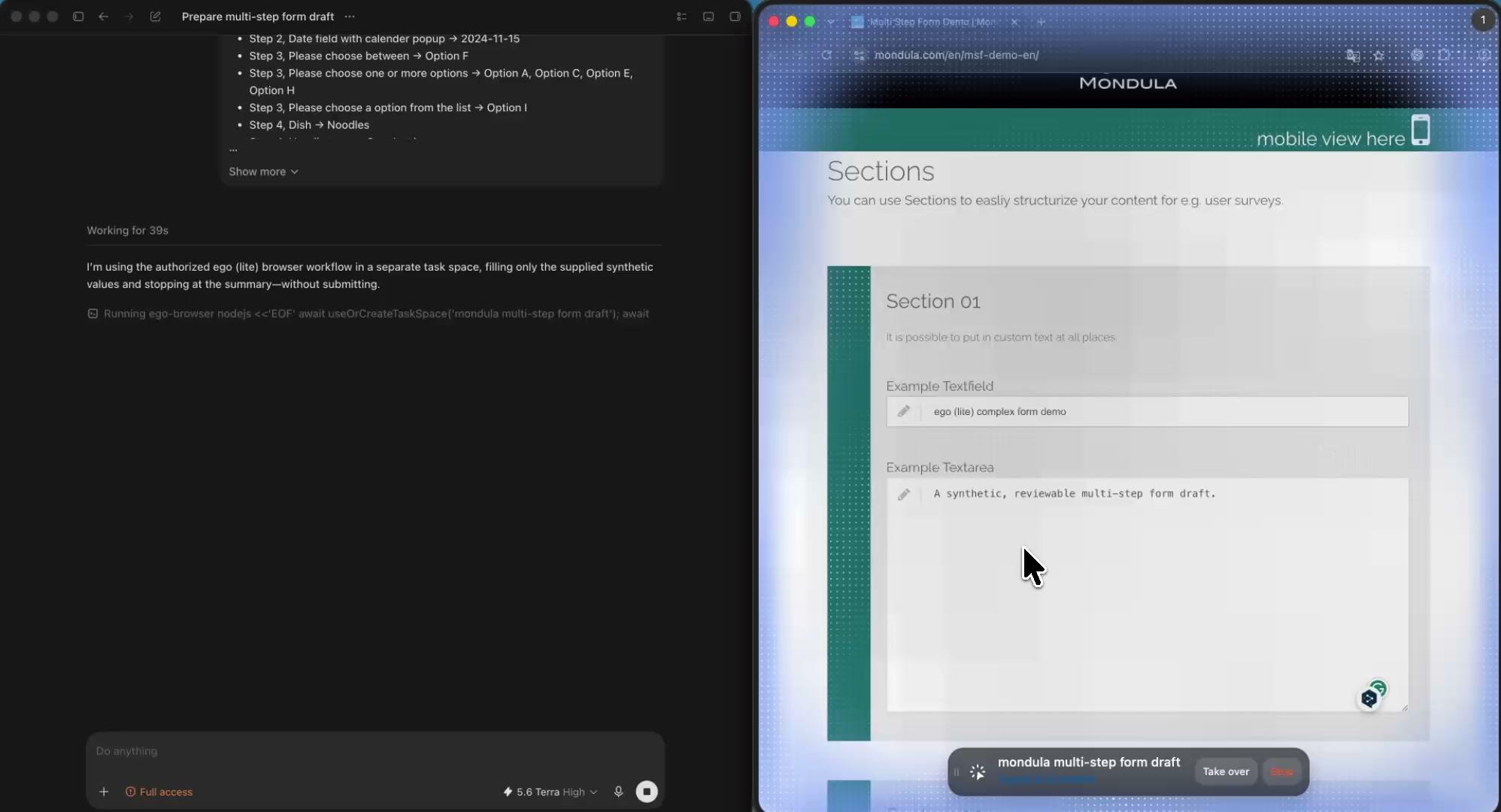
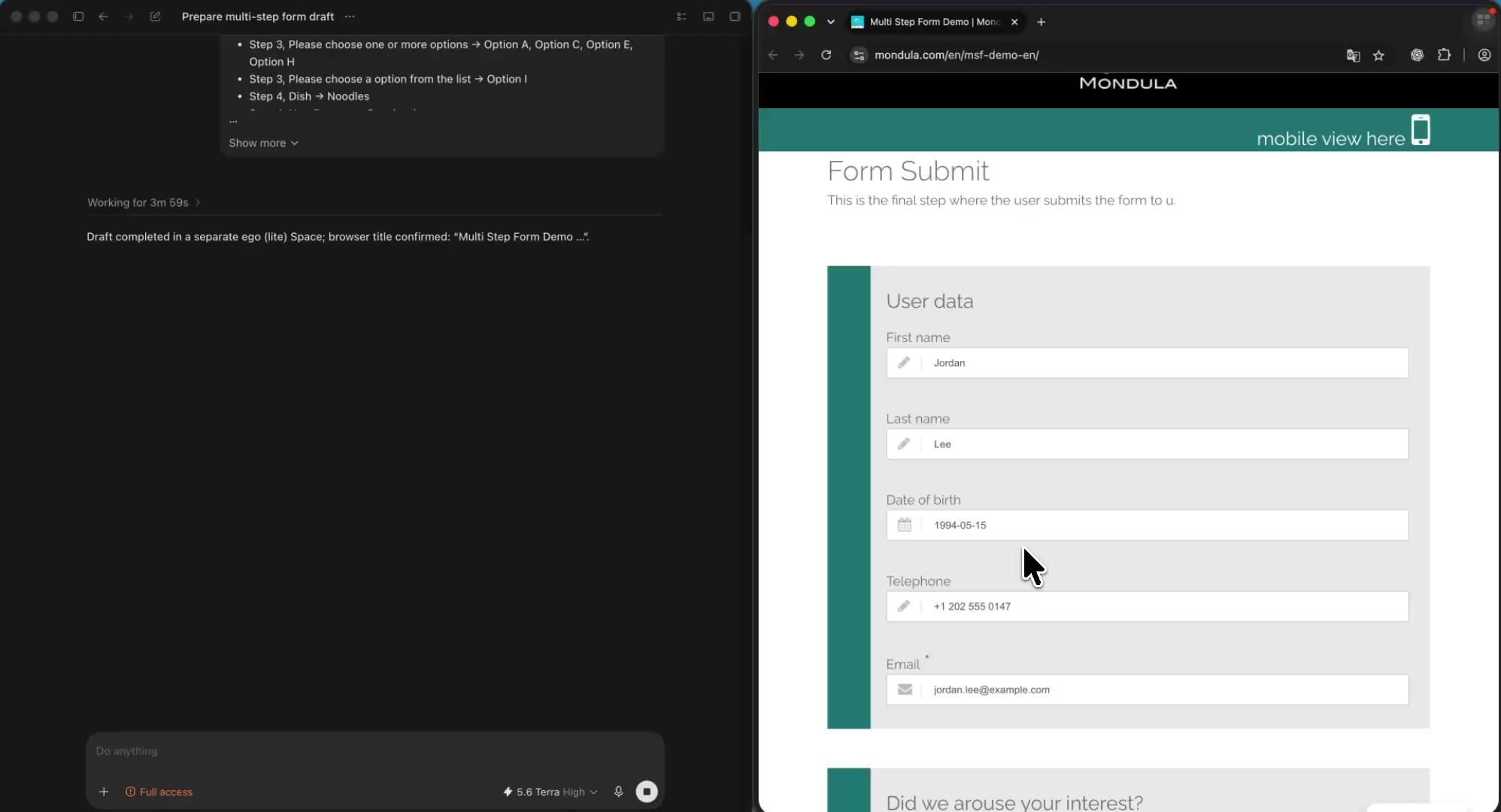
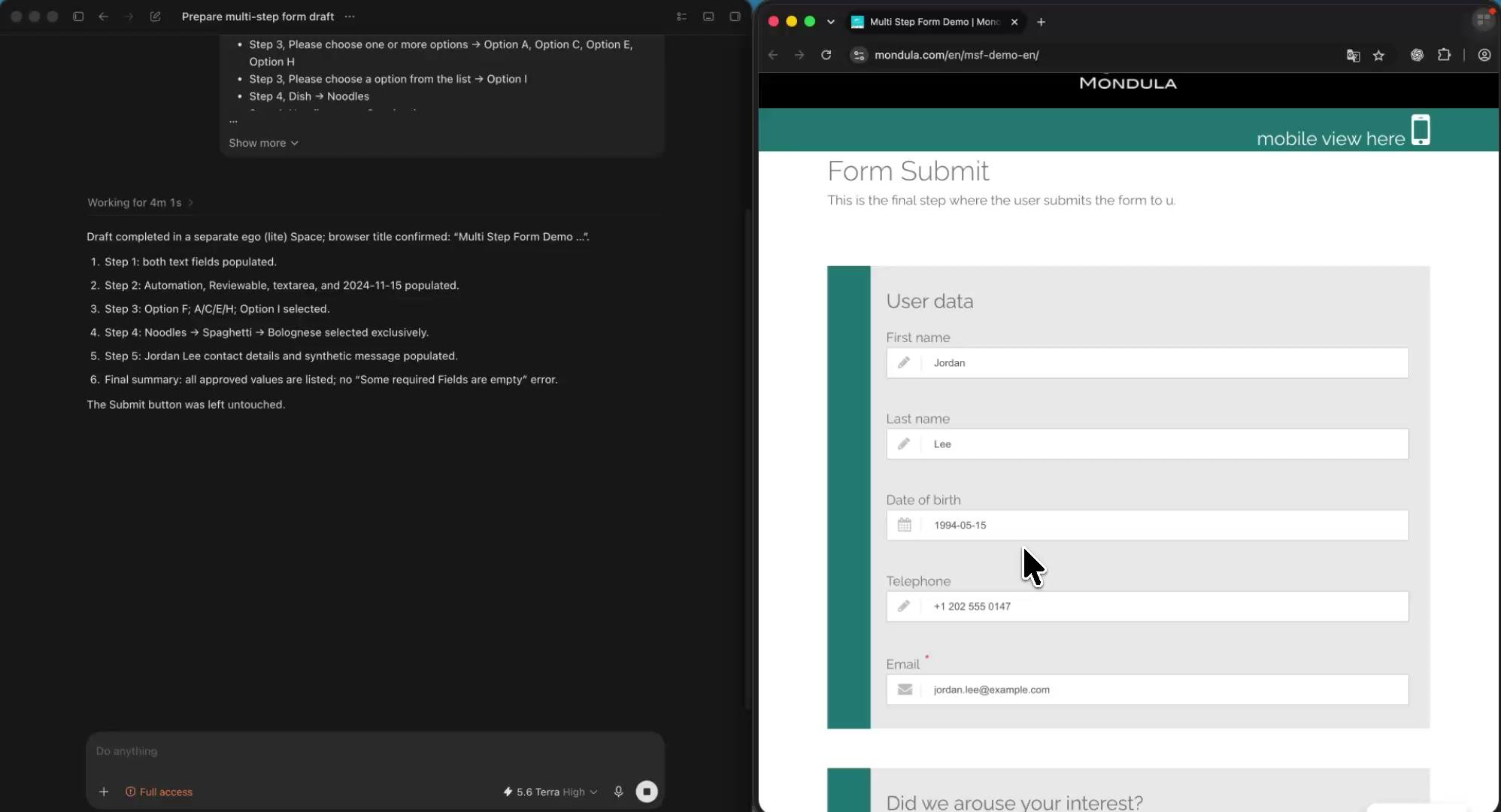
AI form filling lets an Agent automate form filling across complex web forms in a real browser, using only the data you approve. Give Codex, Claude Code, or another coding Agent a form URL, approved source data, and clear field rules. ego (lite) fills visible text fields, dates, dropdowns, checkboxes, and multi-step forms in a separate Space, then stops for your review before submission.

Download for Mac(yes, free)

Trusted by developers from

OpenAIAnthropicGoogleMetaNVIDIACursorPerplexity
SpaceXTeslaNotionFigmaStripeNetflixAirbnb

How to automate form filling with an AI agent in 5 steps

Use this five-step workflow for an authorized web form, from a single intake request to a multi-step internal tool. ego (lite) gives your Agent a real browser, while you retain control over unknown values, access checks, and the final submit button.

1

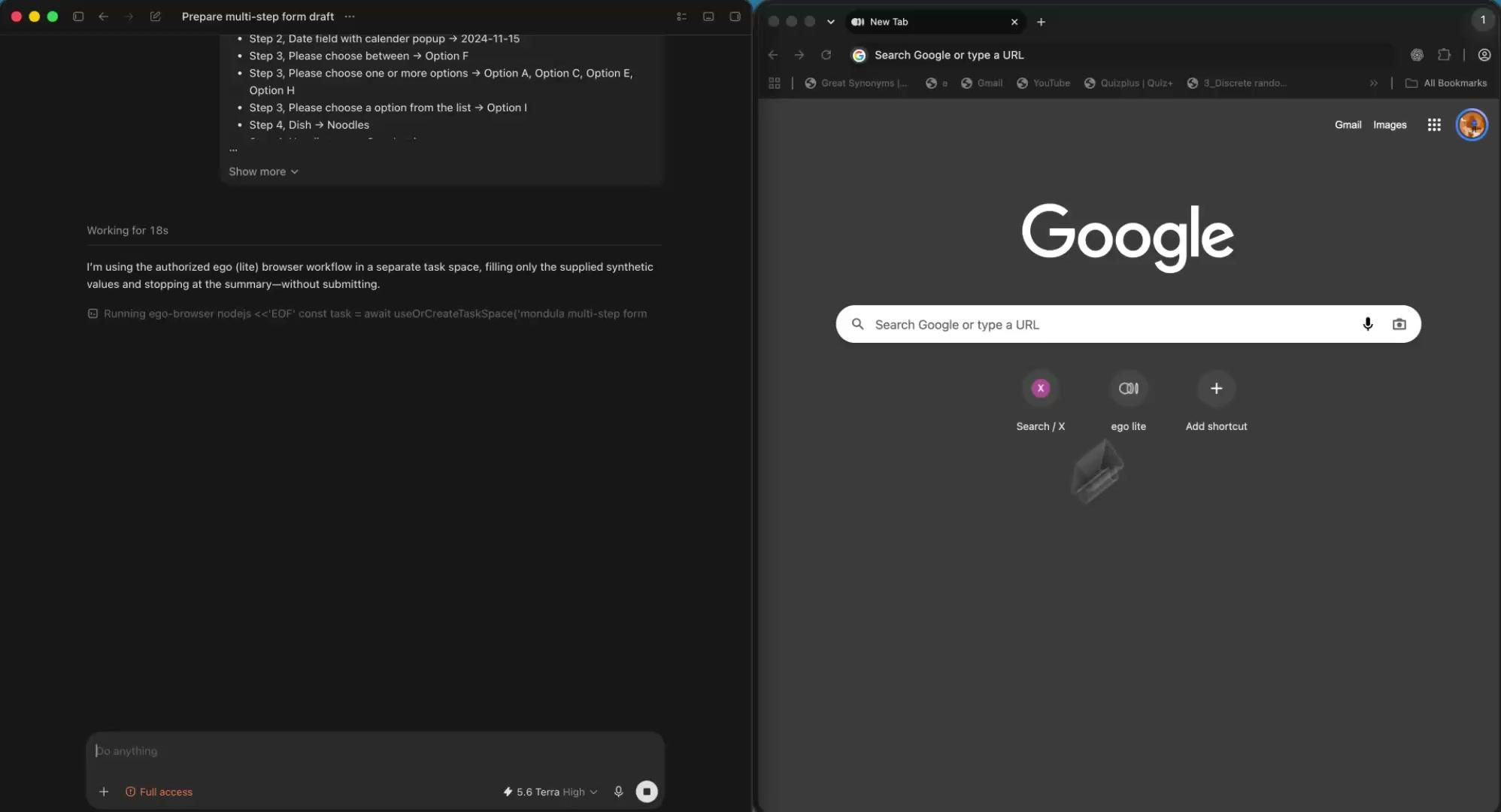
Open ego (lite) in the browser context you authorize

Download ego (lite), then choose the account and browser context you are allowed to use. Your Agent works with the page state and permissions already available there; it does not bypass sign-in, MFA, CAPTCHA, or access rules.
2

Give the Agent the form, the data, and the guardrails

Name the URL, the approved records, and the visible fields to complete. Add formatting rules and say which values must stay blank when they are missing or unclear. Make draft-only the default, so the Agent knows to stop before any submission.

3

Let the Agent fill the visible form in its own Space

The Agent opens the form in a separate ego (lite) Space, reads the labels and current page state, and enters only approved values. It can work through text inputs, dates, dropdowns, checkboxes, and consecutive steps while you keep using your own tabs.

4

Resolve exceptions without losing the completed work

If a question is missing, ambiguous, sensitive, or judgment-based, the Agent leaves that field unchanged and returns it to you. Open the same Space to inspect the page, provide a decision, or take over without starting the form again.

5

Review the filled form before you submit

Ask the Agent to show every value it entered, the source it used, and each unanswered field. Review the completed draft in the browser, then choose whether to submit. Keep send, purchase, delete, permission-change, and legal-acceptance actions for your explicit approval.

Why use ego (lite) for AI form filling?

ego (lite) gives Codex, Claude Code, and other coding Agents a real browser for form filling without forcing you to maintain a fragile script. The rendered form, its labels, and the work in progress remain visible, while a separate Space keeps the Agent’s work out of your tabs.

Map approved records to fields without maintaining selectors

Describe the source data, field labels, and expected format in plain language. The Agent can work through a changing form step by step, which suits recurring intake, onboarding drafts, internal requests, and other browser tasks that are too irregular for a custom script.

Time to finish a task, shorter is better
81.8 sego lite
282.9 sagent browser
Data source - Task: scrape the main posts from the X account from the last 7 days
Illustration of fewer browser round trips during an AI agent task

Keep every form run separate and reviewable

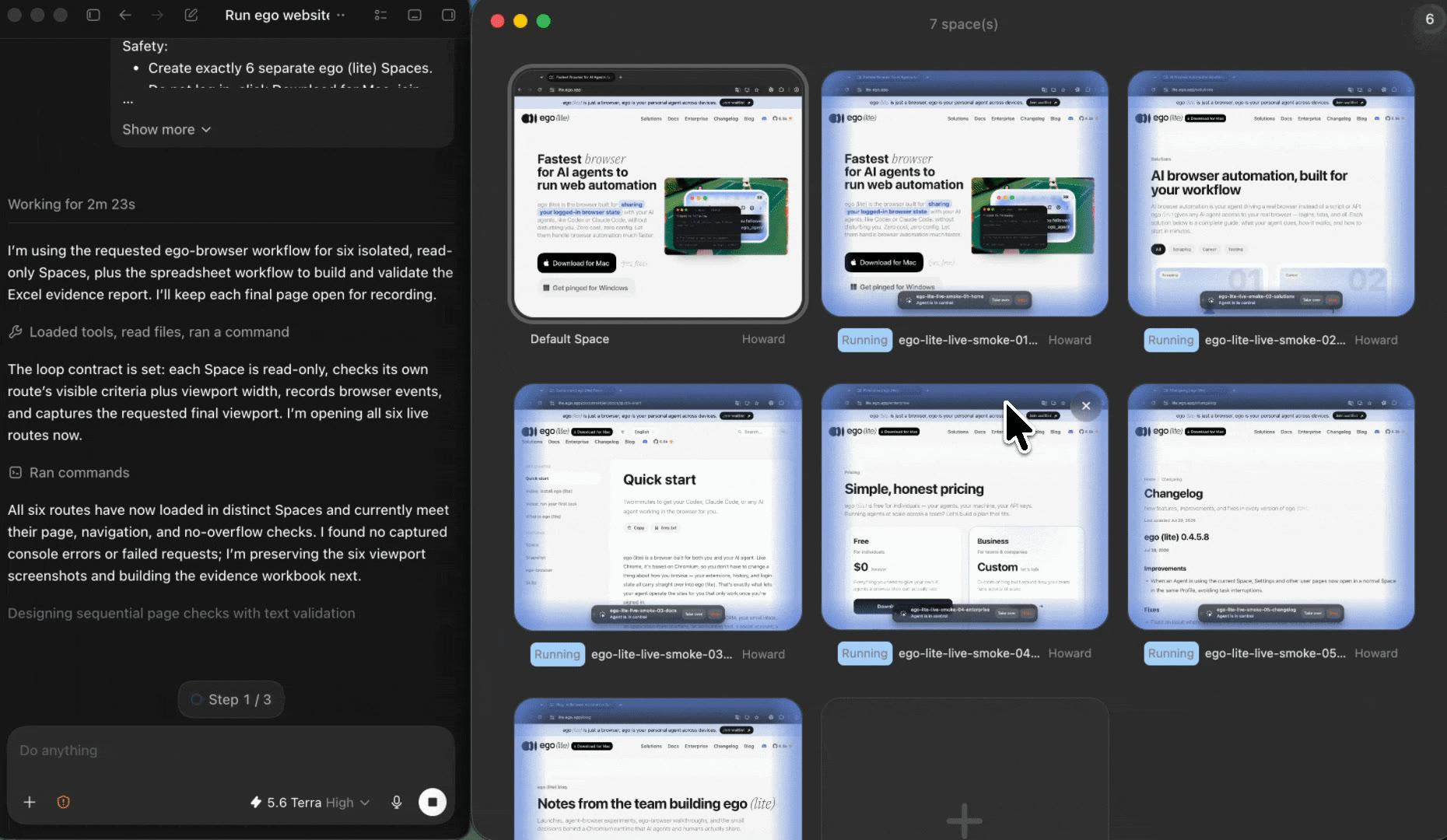
Use one Space per application, customer record, request, or account role. You can run independent approved drafts side by side, keep your own browsing uninterrupted, and reopen the exact Space where an exception needs a decision.

Parallel ego (lite) Spaces for separate AI form-filling tasks

Stop at the exception, not at every field

Some fields need more than a lookup: a consent, a final answer, a legal statement, or a choice with real consequences. The Agent can complete the routine work, stop at that one question, and let you take over instead of guessing or clicking through an irreversible action.

Work only in the browser context you authorize

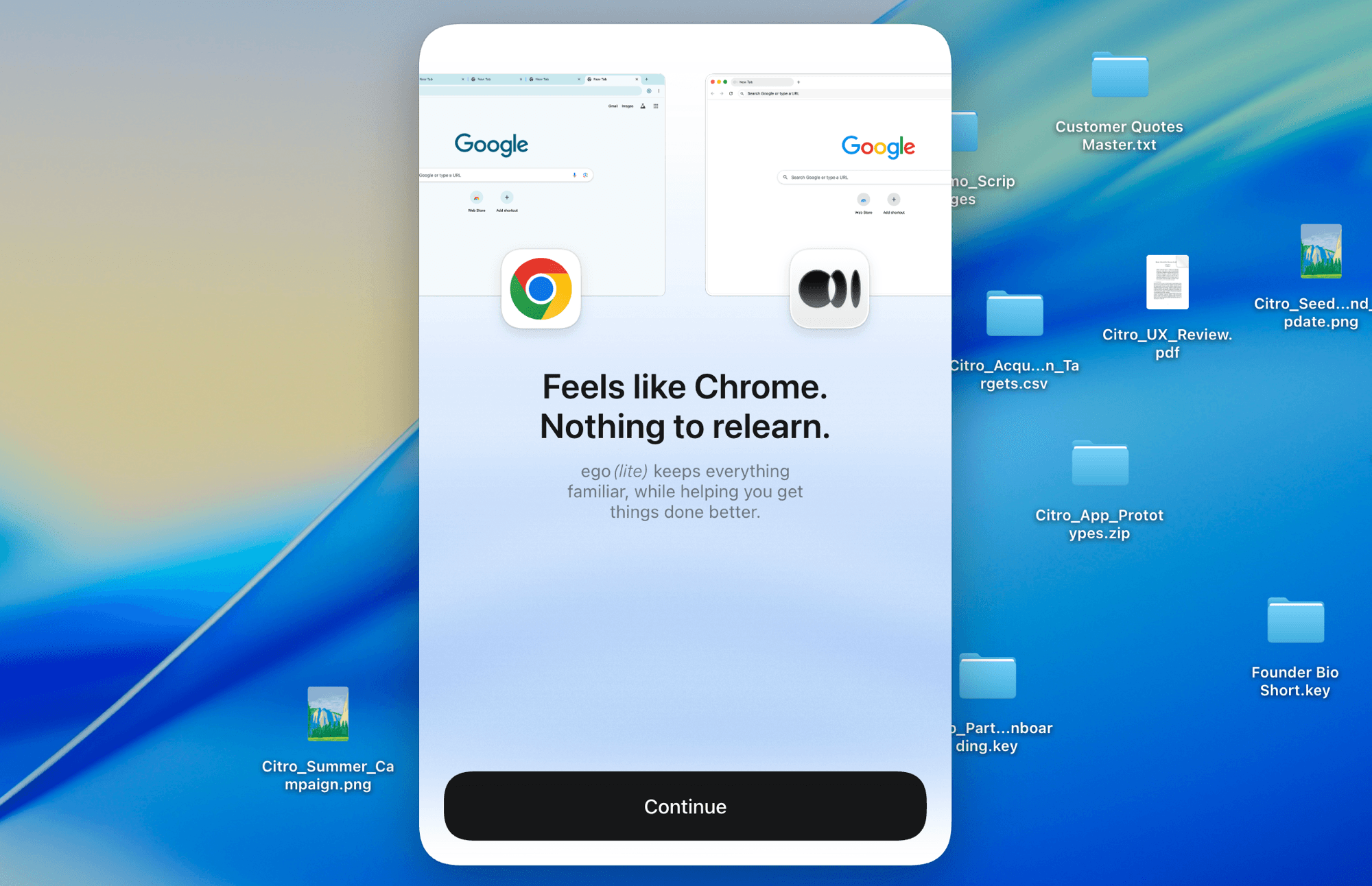
Choose the browser context that already has the account and permissions the form requires. The website’s access controls remain in force, and the Agent cannot use a value, page, or permission that the selected context cannot access.

ego (lite) Chrome context import for an authorized form-filling session

What AI form filling can—and cannot—automate

ego (lite) helps an Agent complete the visible browser form you define from the data you approve. It does not invent information, bypass a website’s controls, or make sensitive or irreversible actions safe to run without review.

What your Agent can do

Fill named, visible fields in an authorized browser session and return a reviewable draft.

  • Open a form in a separate ego (lite) Space and read its visible labels, required markers, validation messages, and current state
  • Enter values that you explicitly supplied or approved, including repeated profile and record data across several independent forms
  • Leave unknown or conflicting fields unchanged and return a field-by-field review with the source used and open questions
  • Pause for you to inspect or take over whenever the form reaches a decision, access check, or final review

What stays under your control

No guessing, no access-control bypass, and no irreversible action without explicit approval.

  • Inventing answers, qualifications, consent, legal statements, or any other value the approved source data does not support
  • Entering passwords, MFA codes, CAPTCHA responses, payment details, government identifiers, or other sensitive credentials unless you deliberately take over
  • Bypassing sign-in, permissions, rate limits, CAPTCHA, terms, or a field that the website does not allow the selected context to access
  • Submitting, sending, purchasing, deleting, changing permissions, accepting legal terms, or making another irreversible change without your explicit review and approval

Read the ego (lite) quick-start guide

Automate form filling without giving up review

Start with one authorized form, approved source data, and a clear pre-submit stop rule. ego (lite) keeps the browser work visible in its own Space, so you can review completed fields, resolve exceptions, and take over when the decision is yours.

Automate your first form for free

AI form filling FAQ

AI form filling uses an Agent to read a web form’s visible labels and enter approved information into matching fields in a real browser. With ego (lite), the Agent can complete text fields, dates, dropdowns, checkboxes, and multi-step pages in a separate Space for you to review.

Give the Agent the form URL, the browser context it may use, approved source data, field labels, formatting rules, and a stop rule. The Agent opens the page in an ego (lite) Space, fills only the permitted visible fields, then returns a review of what it entered and what still needs your decision.

Yes. An Agent can read the rendered form state and work through visible text inputs, dates, dropdowns, radio buttons, checkboxes, conditional fields, and consecutive pages. Give it the specific field rules and approved data, then have it leave any uncertain answer for you to decide.

Only if you explicitly authorize that action. Draft-and-review is the safer default: keep final submit, send, purchase, deletion, permission changes, legal acceptance, and similar irreversible controls for your review. A clear brief should require the Agent to stop there instead of guessing.

Yes, when you are authorized to use the internal tool and select a browser context that already has the needed access. The Agent works with the rendered form and permissions available to that context; it does not bypass your organization’s sign-in, role, MFA, or access-control requirements.

Provide the form URL, approved source records, visible fields to fill, formatting rules, and a list of values that need a human decision. State whether the task is draft-only or whether submission is allowed after review. Precise field-to-source mapping keeps custom questions from becoming guesses.

No. ego (lite) works in the browser context you authorize and respects the website’s existing access controls. If the form reaches sign-in, MFA, CAPTCHA, a permission check, or another human-only decision, the Agent stops in that Space and returns the issue for you to review or take over.

It can work through independent authorized form drafts in separate ego (lite) Spaces when each one has a clear record and allowed fields. Keep the work bounded and reviewable: use one Space per record or task, attach the correct source data, and leave every uncertain field for a human instead of carrying an assumption into the next form.

No custom browser script is required for a one-off or changing form. Describe the form, approved data, and stop conditions to the coding Agent you already use. For a stable, high-volume process with strict deterministic rules, a purpose-built integration or scripted automation may still be a better fit.