
Browser Use Pi: packages, setup, and session tradeoffs


The current Browser Use Pi project is the @browser_use/pi TypeScript SDK, built on Pi Mono, a persistent V8 REPL and raw CDP. The September 11 benchmark retained on this page instead timed ego-browser and the agent-browser engine underlying a separate Pi extension. Identify the package and browser route before applying those historical results; website sessions can still expire or require re-authentication.
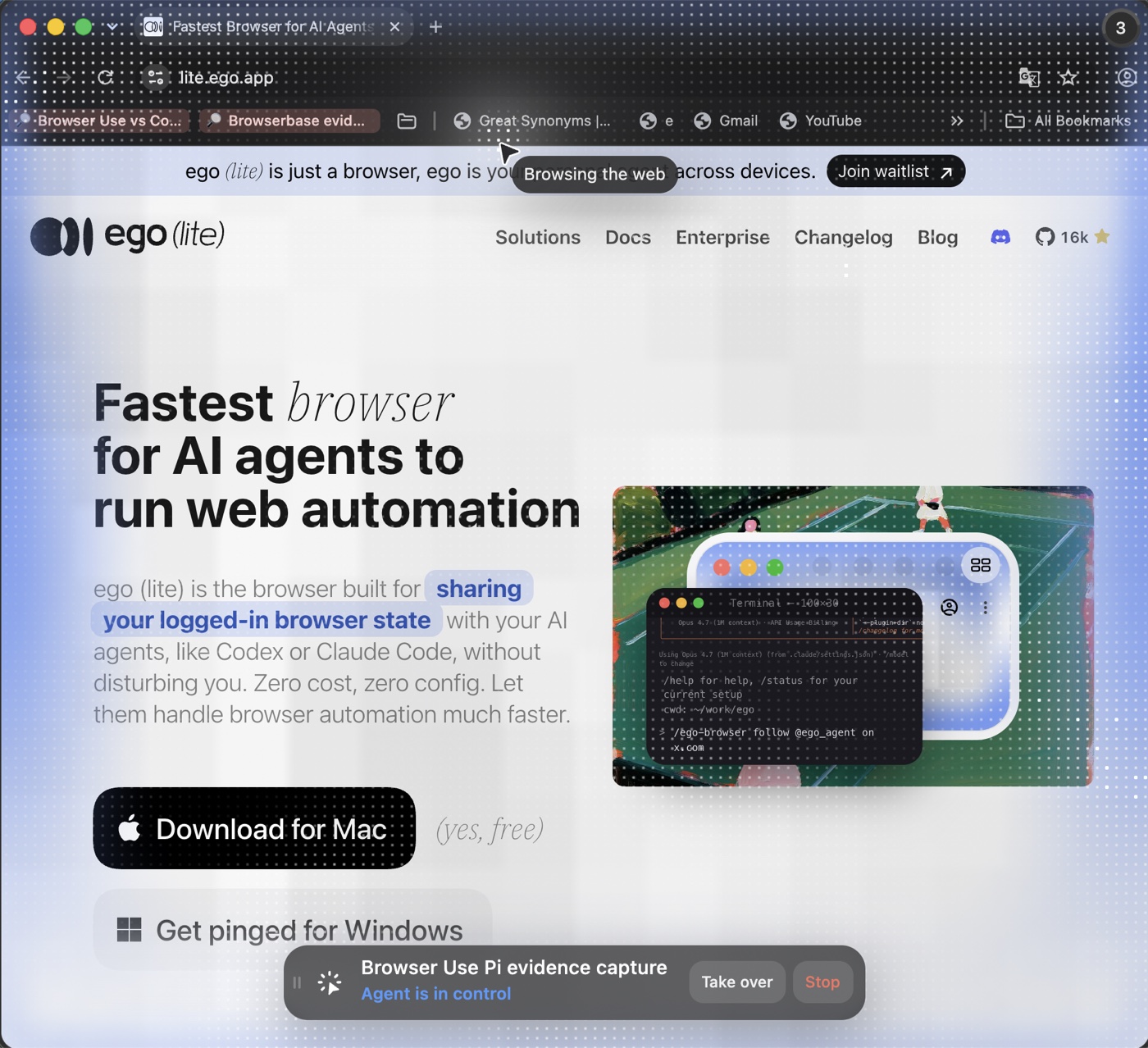
Our 30-run browser-tool test did not produce a clean sweep, and the Pi path is neither slow nor weak. Both ego(lite) and the agent-browser engine inside pi-agent-browser-native passed all 15 of their runs. ego(lite) held the lower median on login, table extraction, and authenticated reload. agent-browser was faster on the two click-heavy cases. What separates the two routes is not raw speed but how much machinery sits between the instruction and the browser.
When is the historical Pi extension route still relevant?
The historical extension comparison below applies when you already use the Pi coding-agent host and are choosing its browser tool. ego(lite) is another browser execution route for a compatible agent. The current @browser_use/pi SDK is a separate application integration; this historical extension comparison does not measure or replace its model loop.
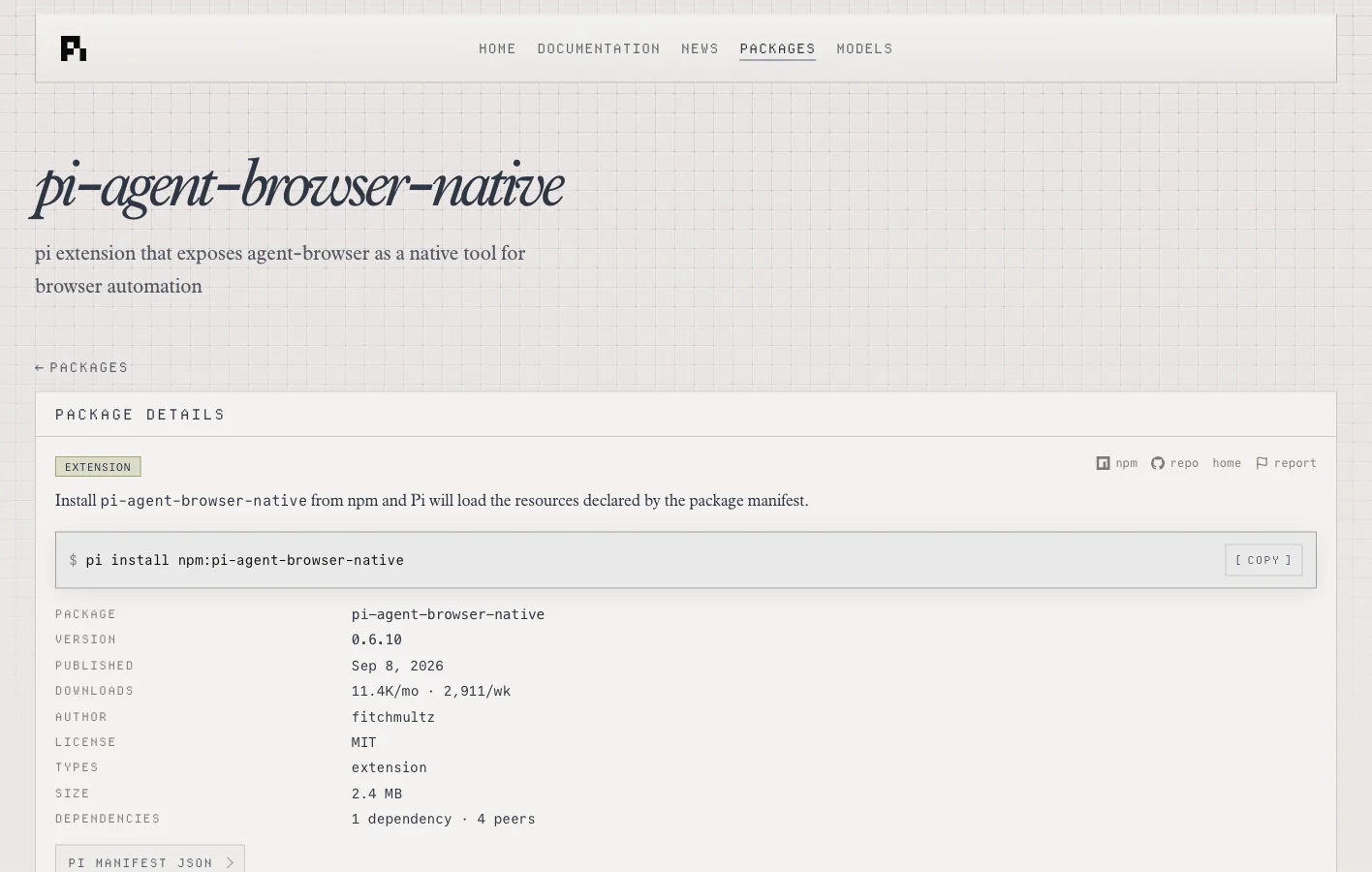
The pi-agent-browser-native package page captured on September 11 described Pi loading an extension that exposes agent-browser as a native tool. These layers belong to that separate extension, not to the current @browser_use/pi SDK. Verify the package owner before transferring setup or timing claims between the two.
What did 30 direct browser-tool runs show?
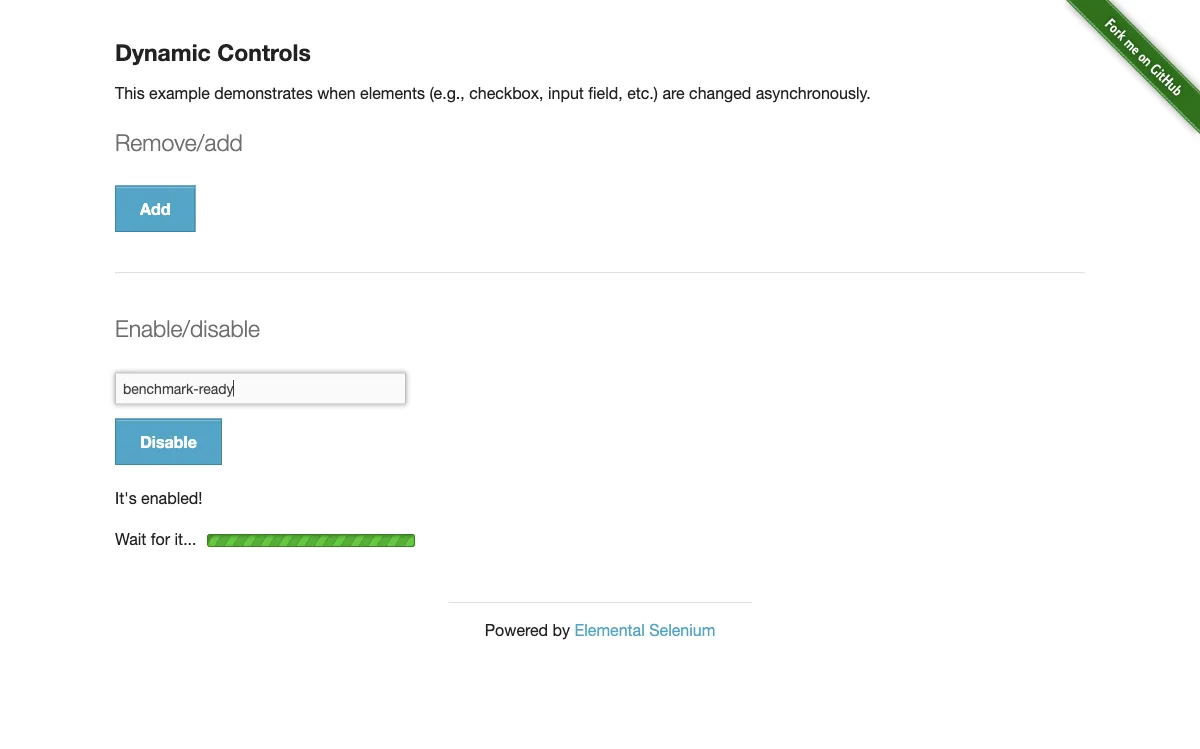
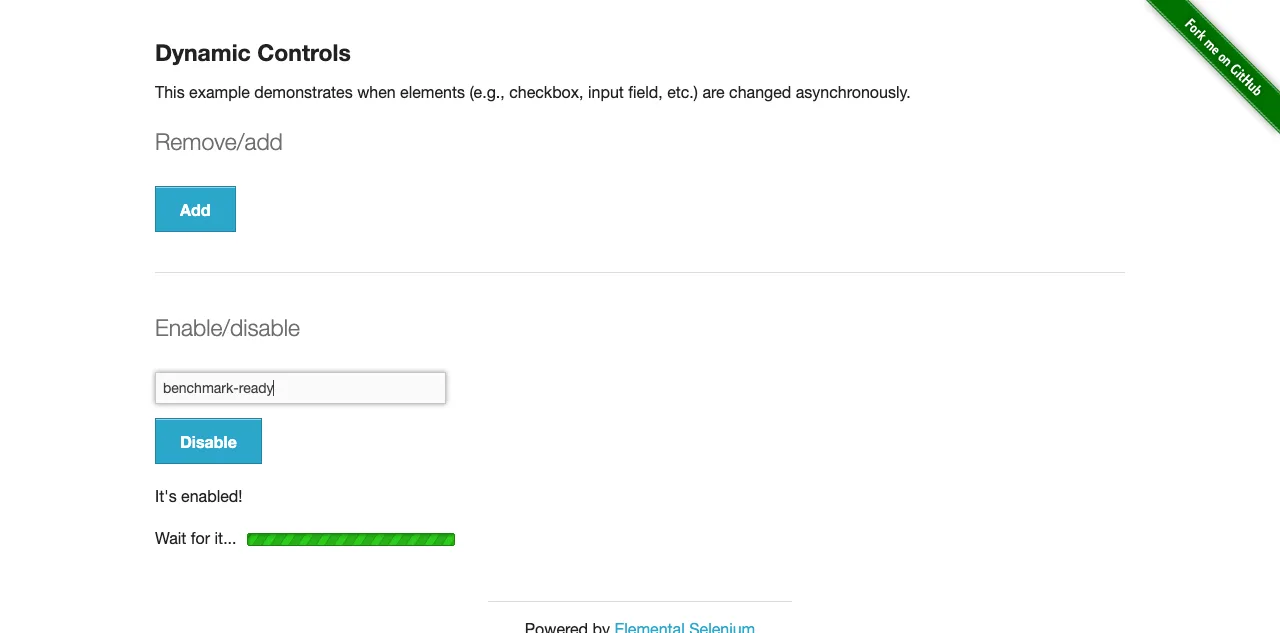
On September 11, 2026, we ran five cases three times through each tool: form login with published test credentials, asynchronous control removal and input enablement, adding and deleting buttons, extracting the highest amount due from a table, and reloading an authenticated page. Timing started after navigation and covered observation, actions, waits, and final-state verification. One of the two tools measured is ego(lite), which we make.
| Case | ego(lite) | agent-browser 0.37.1 |
|---|---|---|
| Form login | 3/3 · 887 ms | 3/3 · 1,016 ms |
| Dynamic controls | 3/3 · 7,412 ms | 3/3 · 6,852 ms |
| Add/remove elements | 3/3 · 4,244 ms | 3/3 · 1,435 ms |
| Table extraction | 3/3 · 7 ms | 3/3 · 368 ms |
| Authenticated reload | 3/3 · 343 ms | 3/3 · 664 ms |
The result is a split decision. ego(lite) led three cases, including the two state-heavy ones where browser-native evaluation and an already-owned session matter most. agent-browser led the asynchronous and repeated-click cases. Both tools passed every final assertion. Because no single latency number settles the comparison, the rest of this article compares execution model and operating cost instead.
How did the two historical browser-tool routes differ?
| Dimension | ego(lite) | Historical Pi extension path |
|---|---|---|
| Product boundary | Local Chromium agent browser with per-task Spaces | Pi host + extension + agent-browser + Chromium |
| Agent choice | Works with multiple compatible agent harnesses | Native to the Pi coding-agent shell |
| Human handoff | Take over and Stop are visible beside the live page | Depends on the Pi host, browser launch mode, and wrapper UI |
| State ownership | Lives in the selected ego(lite) Space and user-provisioned browser state | Lives in agent-browser sessions, profiles, or restore files configured through the stack |
| Setup surface | Install the browser and connect the agent skill | Align Pi, extension, Node, agent-browser, and Chromium requirements |
This table describes the September 11 extension route and the direct ego(lite) route. It does not compare the current @browser_use/pi SDK. Choose a Pi extension when its host-level tool contract is required; choose a visible browser route when that is the task requirement. Evaluate the SDK separately if you are building an application around its agent loop.
Which current package owns the browser session?
Browser Use Pi, the current official browser-use/browser-use-pi project, installs as @browser_use/pi. Its README checked on November 2, 2026 describes Pi Mono, a persistent V8 REPL and raw CDP controlling Chrome. This is a different implementation from the pi-agent-browser-native extension whose underlying agent-browser engine we timed on September 11.
The official SDK quickstart uses BrowserUse.create with Browser.cloud and separate model-provider and Browser Use Cloud credentials. It requires Node 22.19+ or the documented Bun setup, and also supports connecting your own Chrome through its documented browser routes. A cloud quickstart does not inherit your personal browser login. Choose where the browser and saved login live before copying an installation command.
The similarly named pi-browser-use package is another project. Its package page describes a Pi extension powered by chrome-devtools-mcp, with persistent, fresh and existing-Chrome modes. Persistent uses a Pi-owned saved profile; existing attaches to a running Chrome session through its consent flow. Its documented Node requirement is 24+, so that package's prerequisites must not be substituted for @browser_use/pi's requirements.
| Package or route | Browser connection | What the old benchmark covers |
|---|---|---|
| @browser_use/pi | Official TypeScript SDK: Pi Mono, persistent REPL and raw CDP; cloud or your own Chrome. | No current SDK trial; the September 11 engine timings do not measure this SDK. |
| pi-browser-use | Separate chrome-devtools-mcp-based Pi extension with distinct session modes. | Not one of the timed implementations. |
| pi-agent-browser-native | Pi extension around agent-browser; verify its current requirements separately. | Only its underlying agent-browser engine was timed, without Pi/model overhead. |
| ego(lite) | Compatible agent drives the visible browser through ego-browser. | Historical direct browser-tool timings under the original test conditions. |
For an agent whose task is to work visibly in an authorized existing session, ego(lite) is a separate browser execution route. It does not install either Pi package or supply the SDK's model or cloud credentials. This update checked package documentation only: the retained 30-run benchmark measures the historical ego-browser and agent-browser engine routes, not the current Browser Use Pi SDK, Pi planning or cloud latency.
Browser Use Pi: official SDK architecture and quickstart
pi-browser-use: separate package, backend and session modes
pi-agent-browser-native: separate extension repository
ego(lite): start a visible browser task
Which Pi extensions did the historical comparison describe?
The following two extensions are the historical Pi integrations described by this comparison; neither is the current @browser_use/pi SDK. At the September 11 capture, the native package added a typed tool and Pi-specific diagnostics around agent-browser, while the other extension stayed closer to command forwarding.
| Package | What it can do | What it does not remove |
|---|---|---|
| pi-agent-browser-native | Expose a native Pi browser tool with compact results and Pi-specific checks. | The separate agent-browser runtime, Chromium installation, or host-version requirements. |
| pi-agent-browser | Forward valid agent-browser commands and keep one Chromium session alive. | CLI command semantics, browser dependencies, or session cleanup after an abnormal exit. |
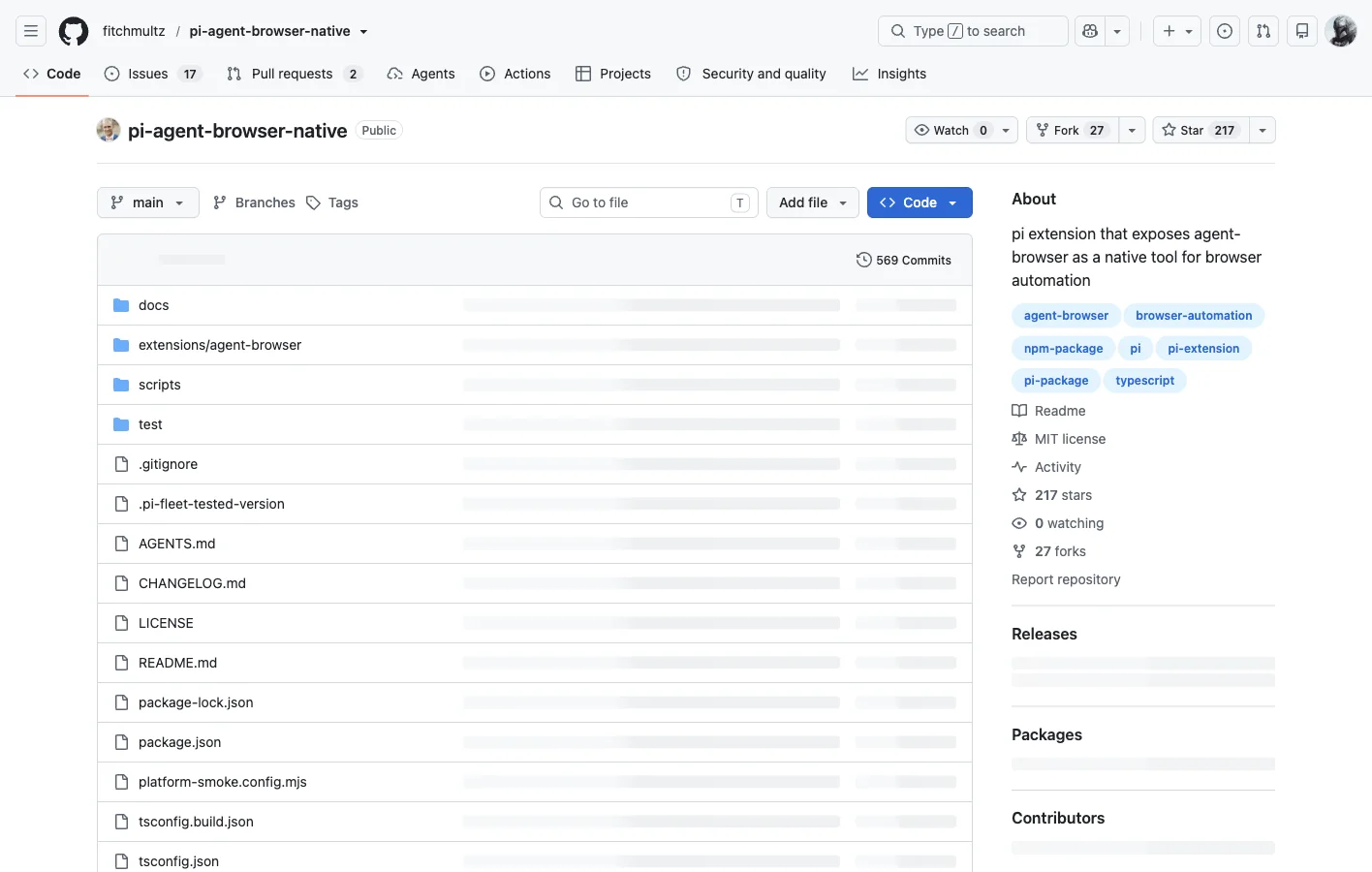
The maintenance record confirms that the two packages are not interchangeable. At capture time, the native repository showed 569 commits, 99 tags, 17 open issues, and an active release history. Those numbers will move, but they show which project currently carries the deeper implementation and documentation.
How did the tested Pi extension reach the browser?
In the historical native-extension route, Pi invokes the extension, the extension translates the request for agent-browser, and agent-browser controls Chromium. Page snapshots and artifacts return through that stack. This is the extension architecture associated with the retained engine test, not the current Browser Use Pi SDK architecture.
Debugging gets easier when you can see the wiring. A failed call can come from the Pi host, from extension validation, from the agent-browser binary, from Chromium, or from the target site. Treat the whole stack as one black box and the first error looks mysterious. Knowing the layers tells you where to look.
How do you install a Pi browser extension?
For the separate native Pi extension, the September 11 documentation used pi install npm:pi-agent-browser-native. At that capture, its package page required Pi 0.84.0 or newer, recommended agent-browser 0.37.0 and accepted stable versions at or above 0.35.0. These are historical requirements to recheck, not installation instructions for @browser_use/pi.
For the separate extension, the repository documents pi install npm:pi-agent-browser for installation and pi -e npm:pi-agent-browser for a trial that does not add the package to Pi settings. Its README also documents manual agent-browser and Chromium installation when automatic setup fails.
How do sessions and login state work?
A persistent Chromium session can retain browser state between calls, and the native package also documents persistent profiles for authenticated applications. Persistence means a session can be reused once it has been established. It does not grant access to an account or turn a login challenge into agent permission.
Keep the division of labor explicit. The user signs in, grants the intended scope, and handles CAPTCHA or 2FA. The agent then works inside that authorized state. A target site can still block automation, expire cookies, or change its interface.
How do community and cost change the decision?
The ego(lite) browser is a free download, and its public harness and skill are MIT-licensed. An external agent or model controlling it can still cost money. The Pi extensions described in the historical comparison have their own host, backend and model requirements. The current @browser_use/pi SDK quickstart separately configures model-provider and cloud-browser credentials. Neither an open-source license nor a browser download makes model inference or a hosted browser free. Choose the integration that matches the agent and browser session you actually use.
Community activity points to a wider browser layer around ego(lite). On September 11, 2026, the public ego(lite) repository showed 15,694 stars and 820 forks, while the pi-agent-browser-native repository showed 217 stars and 27 forks. ego(lite) also has a public Discord community with about 522 members at capture time, plus third-party projects such as dsh-ego-browser and ego-to-skill. Repository popularity is not proof of reliability, but it does show that other people reuse the browser layer outside a single host integration.
The non-fit case matters just as much: if your workflow is already built inside Pi and depends on its native agent_browser contract, use the Pi package. ego(lite) fits when one visible local browser needs to work with several compatible agents. Space separation keeps task tabs and control apart; it is not a remote tenant-security boundary.
What do the SDK limits and saved state actually guarantee?
The current @browser_use/pi API distinguishes completed output from an unfinished run. Its documented stop statuses include max_steps, timeout, cancelled, cost_limit, context_limit, incomplete and error. Inspect result.status before using output. A schema checks shape; it does not make an unsupported factual answer correct.
Limits are operational controls, not hard containment. The API guide calls maxCostUsd a soft cap checked between turns and says it can overshoot by one response. Time limits include model execution while cleanup can take longer. A partial checkpoint is useful work to review, not proof that the original task finished. Reconcile application state before repeating a write after a limit.
The session guide separates run(task), which starts a new transcript with the existing browser, JavaScript and files, from followUp(task), which continues the transcript and live session. A historyFile restores a transcript, not JavaScript bindings or a browser login. A profile directory keeps local browser state across launches and needs one owner; use the documented cleanup lifecycle.
The repository says JavaScript runs in a killable worker with filesystem and network access. Its API guide explicitly says hooks are application controls rather than a sandbox because arbitrary JavaScript can call CDP directly. A beforeToolCall approval rule does not constrain every possible program action. Isolate untrusted work at the process and machine level when required.
This November 12, 2026 update checked the current SDK README, API and session guides without installing the package or rerunning the historical thirty browser-tool trials. Those trials do not measure SDK cancellation, model cost or cloud latency. ego(lite) remains a separate visible browser execution route with takeover; it does not supply this SDK's runtime or replace the host application's permissions and result checks.
| Observed state | What the guide establishes | What still needs checking |
|---|---|---|
| completed with output | SDK delivered an output under its contract | Source support and the application outcome |
| cost_limit or timeout | A configured limit ended or constrained the run | Partial work, possible overshoot and any prior writes |
| Restored historyFile | A transcript was restored | Browser login and live JavaScript state |
| beforeToolCall hook | Application-level tool policy | Other JavaScript, filesystem and network authority |
- Browser Use Pi API limits and results
- Browser Use Pi sessions and browser ownership
- Current SDK README and worker warning
- Application-level result verification
What are the current limits?
The official Browser Use Pi project now identifies @browser_use/pi as its SDK package. Similar names still lead to separate Pi extensions, so verify the repository owner and installation command. The Pi/extension/agent-browser/Chromium version coupling described above belongs to the historical extension route; it must not be assigned to every current SDK browser backend.
The remaining limit is benchmark scope. We did run a controlled browser-tool test, but not an end-to-end Pi prompt benchmark. The results measure the direct agent-browser engine and ego-browser after navigation. They say nothing about model planning quality, tokens, Pi extension rendering, CAPTCHA, MFA, checkout, or arbitrary production sites.
FAQ
Is Browser Use Pi one official package?
The official browser-use/browser-use-pi repository installs as @browser_use/pi. pi-agent-browser-native, pi-agent-browser and pi-browser-use are separate integrations; match the repository and exact package before copying commands.
What does pi-agent-browser-native do?
pi-agent-browser-native is a separate Pi extension around agent-browser. It exposes a native Pi tool contract with diagnostics and artifacts; it is not the current @browser_use/pi SDK.
What does pi-agent-browser do?
It is a separate Pi extension that forwards browser commands to agent-browser and keeps a Chromium session alive between tool calls.
Which Pi version does the native package require?
The package page checked on September 11, 2026 documents Pi 0.84.0 or newer. Confirm the current requirement on pi.dev before installing.
Does Browser Use Pi include Chromium?
The current @browser_use/pi quickstart uses a Browser Use Cloud browser, so that route does not require a local Chrome installation. The SDK also documents your-own-Chrome routes. The separate extensions described in the historical comparison have their own browser and runtime prerequisites.
Can it keep a login session?
A persistent session or profile can retain state after the user establishes it. This does not bypass login challenges, account permissions, or site policy.
Does it bypass CAPTCHA or 2FA?
No. CAPTCHA and 2FA remain human-controlled gates, and the user must authorize access to the account and task.
Is Browser Use Pi a testing framework?
No. It can help an agent interact with a browser, but it does not replace the assertions, fixtures, repeatability, and reporting expected from a dedicated test framework.
When is ego(lite) the better fit?
ego(lite) is the better fit when you want the browser itself without the Pi host, the extension and a separate runtime in between. It is not a substitute for a Pi-native tool contract when the workflow explicitly depends on Pi, and it is not a remote sandbox for elastic or multi-tenant workloads.
Was this guide performance-tested?
Yes, at the browser-tool layer. We completed 30 timed runs on five deterministic cases. We did not run Pi's selected model end to end, so the article makes no claim about prompt-to-result latency, token consumption, or model reliability.
Choose the current Browser Use Pi SDK for its documented application integration, a Pi extension for the matching coding-agent tool contract, or ego(lite) for a compatible agent working in a visible local browser. The retained engine benchmark cannot rank the current SDK against either alternative. Session expiry, site policy and re-authentication still apply.