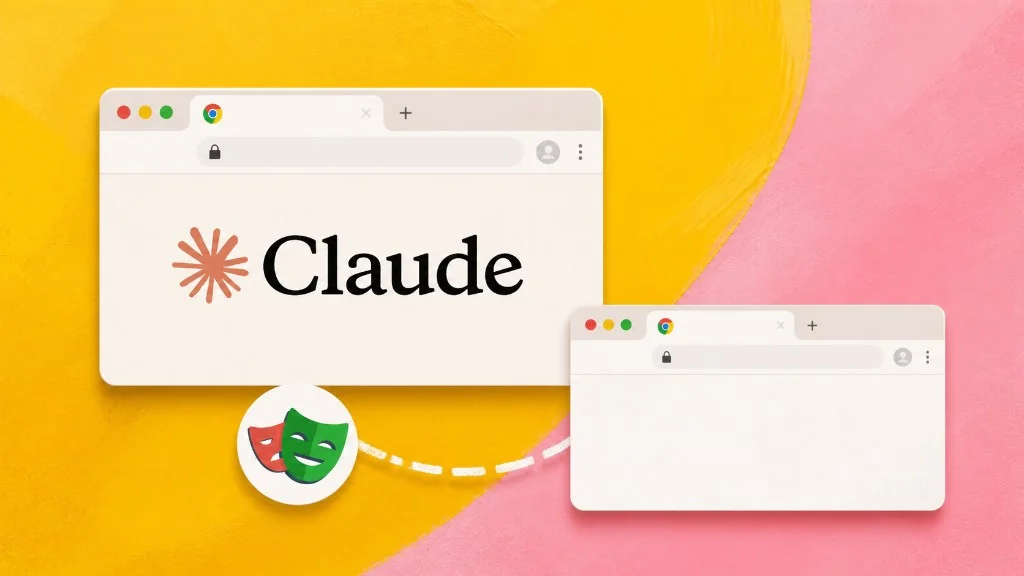

The core conclusion first: pick by lock-in and subscription before features. Chrome DevTools MCP is a free, open protocol server that works with any agent and owns the strongest debugging toolkit in the category; Claude in Chrome gets you zero-config access to your signed-in browser but serves only Claude, on a paid plan. No paid Claude plan means the choice is already made: DevTools MCP. Both also put the agent and you in the same browser window. ego (lite) is the free third option, not tied to one assistant or one paid plan, and any MCP client or coding CLI agent can drive it.
Search "claude mcp chrome" and you land between two products that both put an AI agent inside Chrome: Google's Chrome DevTools MCP and Anthropic's Claude in Chrome extension. Here's both layers of the choice, honestly, with the February 2026 task-test data where the marketing pages go quiet.
Why is lock-in the first question?
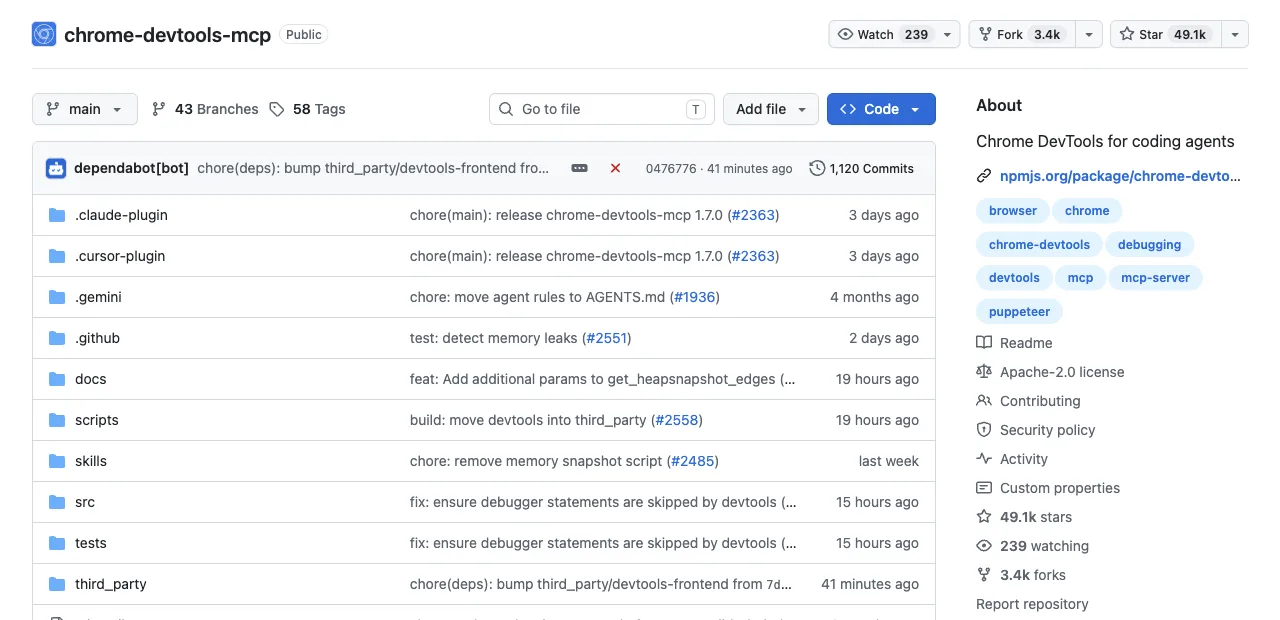
Because it's the only dimension you can't configure your way out of later. Chrome DevTools MCP registers with one command (claude mcp add chrome-devtools -- npx chrome-devtools-mcp@latest) and the same server serves Cursor tomorrow and a custom in-house agent next quarter; switching coding agents costs you nothing.
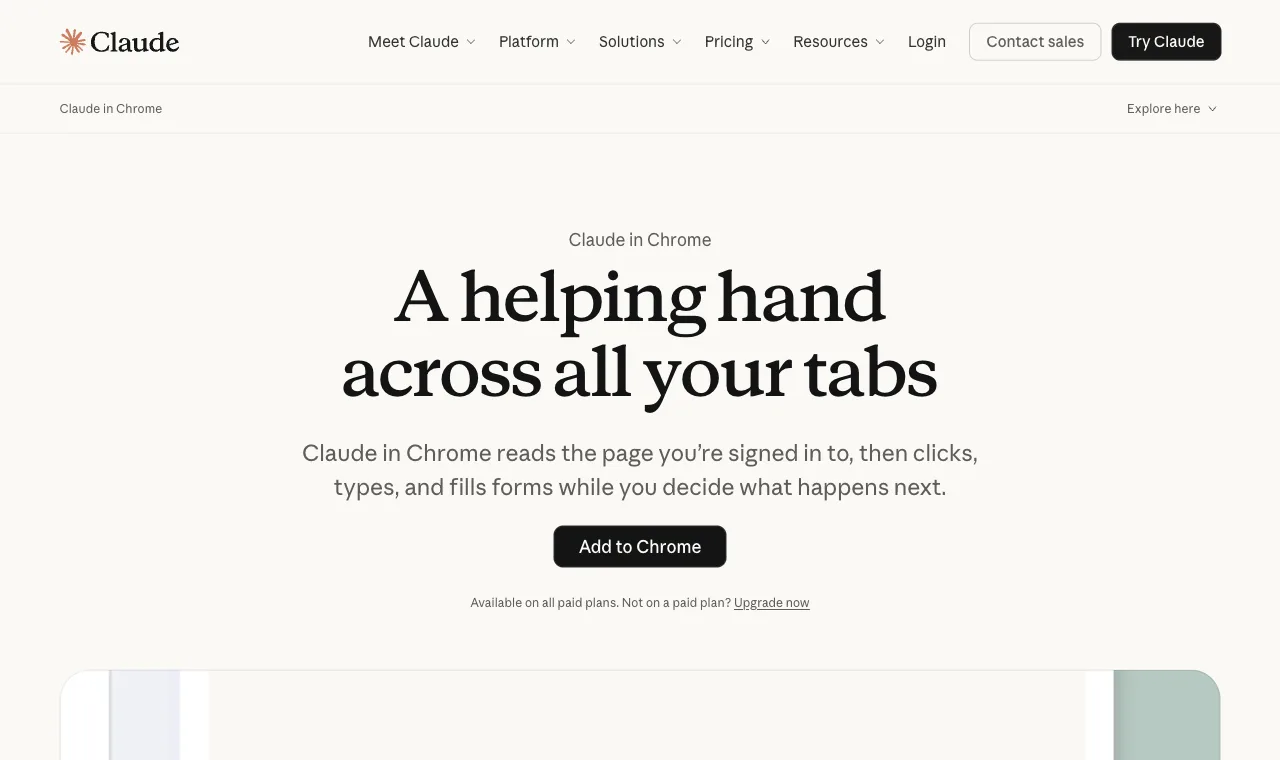
Claude in Chrome installs from the Chrome Web Store in one click and attaches to Claude Code with claude --chrome, and if you ever leave the Claude ecosystem, the extension leaves with it.
Neither position is wrong. Vendor integration buys polish (the extension's permission controls are genuinely well designed). Open protocol buys options. But you should pick that trade on purpose, not inherit it from whichever blog post you read first.
A concrete way to feel the difference: imagine your team switches from Claude Code to Codex next quarter. With DevTools MCP, that's codex mcp add chrome-devtools and the same server keeps working. With the extension, your browser workflows don't migrate; they end.
Lock-in is a decision, not a detail.
How do they compare on five dimensions?
Five dimensions cover the practical differences. Note where each cell says what the tool can't do; that's where the decisions actually live.
| Dimension | Chrome DevTools MCP | Claude in Chrome |
|---|---|---|
| Agent compatibility | Any MCP client: Claude Code, Cursor, Codex, custom agents. Can't offer one-click, zero-config onboarding. | Claude only. Can't serve any other agent, ever. |
| Price | Free, open source. No plan required. | Extension is free to install but requires a paid Claude plan (beta on all paid tiers); actions consume plan usage. |
| Login state | Via auto-connect (Chrome 144+, remote debugging enabled, permission dialog). Not there by default. | Native: it lives in your signed-in browser from the first minute. |
| Debugging capability | Its home turf: performance traces with Core Web Vitals, V8 heap snapshots, network inspection, device emulation. | Basic page interaction only; no traces, no profiling, no emulation. |
| Config cost | One command, plus browser-side setup if you want auto-connect. | Near zero: Web Store install, sign in, done. Built for non-technical users too. |
Anthropic's own safety guidance belongs in this table's margins: the extension ships site-level permissions and confirms before irreversible actions, and the docs still say to keep it away from financial transactions and password management because prompt-injection protections "aren't foolproof." The same caution applies to any agent touching a logged-in browser, DevTools MCP under auto-connect included.
What does real task testing show?
The most useful public data point is ayyaztech's February 2026 hands-on test, which ran all three Claude Code browser tools (these two plus Playwright MCP) against the same tasks.
On diagnostic work, it wasn't close: Chrome DevTools MCP was the only tool with performance profiling at all, returning Core Web Vitals (LCP, CLS, TBT), source-mapped console errors, and deep network inspection, and it could emulate slow 3G and different viewports on demand.
On authenticated work, the finding flipped: Claude in Chrome was the only tool that handled logged-in workflows out of the box, operating through your real sessions on sites like Gmail and Notion, with multi-tab support.
Baseline footprints, for the context-budget minded: the test counted roughly 26 tools (~9% of the context window in definitions) for DevTools MCP against 16 tools (~7.7%) for the extension, with the extension sending the lightest per-action payloads of the three.
We ran the same kind of check ourselves, in a recorded MCP session against a simple page: the session against Chrome DevTools MCP (chrome-devtools-mcp@latest, headless and isolated) listed 29 tools, and a single take_snapshot call on Hacker News' front page came back as 38,285 characters of accessibility-tree text, roughly 9-10K tokens for one snapshot.
import asyncio
from mcp import ClientSession, StdioServerParameters
from mcp.client.stdio import stdio_client

async def main():
    params = StdioServerParameters(
        command="npx",
        args=["--yes", "chrome-devtools-mcp@latest", "--headless", "--isolated"],
    )
    async with stdio_client(params) as (read, write):
        async with ClientSession(read, write) as session:
            await session.initialize()
            nav = await session.call_tool("navigate_page", {"url": "https://news.ycombinator.com/"})
            print("navigate_page chars:", len("".join(c.text for c in nav.content if hasattr(c, "text"))))

            snap = await session.call_tool("take_snapshot", {})
            snap_text = "".join(c.text for c in snap.content if hasattr(c, "text"))
            print("take_snapshot chars:", len(snap_text))
            print(snap_text[:700])

asyncio.run(main())

# Output (recorded session):
# navigate_page chars: 123
# take_snapshot chars: 38285
# (snapshot body: 38,285 characters of uid-labeled accessibility tree, trimmed here)
#
# Tool list (29 tools) returned by session.list_tools():
# click, close_page, drag, emulate, evaluate_script, fill, fill_form, get_console_message,
# get_network_request, handle_dialog, hover, lighthouse_audit, list_console_messages,
# list_network_requests, list_pages, navigate_page, new_page, performance_analyze_insight,
# performance_start_trace, performance_stop_trace, press_key, resize_page, select_page,
# take_heapsnapshot, take_screenshot, take_snapshot, type_text, upload_file, wait_for
Same conclusion from both halves: these tools aren't competing on the same jobs. The tester's own setup ended up being both at once, one for debugging, one for authenticated access.
There's also end-to-end data on the DevTools side. Real-World Bench ran a 31-task suite against live sites through five tools with the same model (gpt-5.6-sol, max effort) and the same independent judge. The measured tool was chrome-devtools-cli, the official CLI sibling, not the MCP server itself: 61.3% of 31 tasks perfect at $4.95 average model cost per task. Average cost divided by completion rate gives the honest billing number: $4.95 ÷ 61.3% = $8.08 per completed task, the highest of the five tools measured; for reference, ego (lite) finished 93.5% across 31 tasks at $1.64 ÷ 93.5% = $1.75. Claude in Chrome was not among the five tools, so no head-to-head number against it exists, and any you find elsewhere is invented. The result reads as confirmation, not indictment: a debugging-first toolkit pays a premium when pushed into general operation work, which is exactly the division this article draws.
To make the split concrete, here's where five everyday tasks land. Notice that only one of the five is genuinely contested.
| Task | Winner |
|---|---|
| Trace why the checkout page's LCP regressed | Chrome DevTools MCP |
| Pull this week's metrics from a logged-in analytics dashboard | Claude in Chrome |
| Test the signup flow on a slow 3G profile | Chrome DevTools MCP |
| Triage and archive promotional email | Claude in Chrome |
| Verify a UI fix on the staging site (contested) | Either; DevTools MCP if you also want the console, the extension if staging needs your SSO |
How do you keep browser debugging safe and portable?
Treat both tools as capable of reading the connected page, so prompt injection and data exposure remain your responsibility. Review page content before following instructions embedded in it, keep sensitive sites in a dedicated profile, and disable or remove the extension or MCP registration when you are not using it. A page asking the agent to reveal secrets is untrusted input, not an instruction.
For bug and QA evidence, save a timestamped screenshot, URL, browser version, console or network detail, and the exact reproduction steps; redact tokens, personal data, and private messages before filing it. DevTools MCP is strongest for runtime evidence, while Claude in Chrome is convenient for a supervised logged-in reproduction.
Avoid lock-in by keeping test cases, selectors, screenshots, and decisions in ordinary files or tickets instead of a vendor-only memory. DevTools MCP's open protocol and Claude's extension each have different switching costs; a sidecar or shared browser can preserve the workflow, but no tool can export an active session safely without your approval.
For local or self-hosted setups, scope API keys through environment variables or a secret manager, rotate them, and redact them from traces. Compare token usage on the same pages and assertions: tool-definition size, snapshot payloads, screenshots, retries, and failed runs all count. The cited measurements are route-level evidence, not a universal Claude-versus-DevTools benchmark.
Which should you pick, by subscription status?
Subscription status decides more of this than features do, so branch on it first. Each branch below is the whole recommendation; skip to yours.
No paid Claude plan: Chrome DevTools MCP, and the decision is made for you: the extension requires a paid plan, the MCP doesn't. You lose nothing on the debugging side, which is the stronger half anyway.
Paid Claude plan, mostly debugging work: Still Chrome DevTools MCP first; traces and heap snapshots have no equivalent in the extension. Add the extension when a task needs your logins with zero setup.
Paid Claude plan, mostly logged-in web chores: Claude in Chrome earns its slot: dashboard pulls, CRM updates, and email triage are exactly Anthropic's own example list, and no other setup matches its onboarding.
Want logins without lock-in or losing your window: Both options above put the agent in the browser you're using, and one of them ties you to a vendor.
ego (lite) gives the agent its own Space and tabs, so your window stays yours.
What it doesn't bring: a debugging panel, so DevTools MCP keeps the diagnosis jobs either way.
Compare ego (lite) with Claude in Chrome in detail, or download ego (lite) for Mac, free.
FAQ
What does claude mcp add chrome-devtools do?
It registers Google's Chrome DevTools MCP server with Claude Code: claude mcp add chrome-devtools -- npx chrome-devtools-mcp@latest. After that, Claude Code can drive and debug Chrome through the server's tools; add --autoConnect to attach it to the browser you're signed into.
Can I use both at the same time?
Yes, and it's a sensible pairing on a paid plan: the extension for authenticated tasks, the MCP for traces and profiling. They register through different mechanisms (Web Store extension vs MCP config) and don't conflict.
Is Claude in Chrome available on the free plan?
No. It's in beta on all paid Claude plans; free-tier users see the install but can't run it. Chrome DevTools MCP has no plan requirement at all.
What's the difference between Claude in Chrome and claude --chrome?
Same product, two doors: Claude in Chrome is the extension itself, and claude --chrome (or /chrome in a session) is how Claude Code attaches to it, so terminal-driven work can borrow the extension's browser access. You still need the extension installed and a paid plan for either door.
Which one costs fewer tokens per task?
The extension, on the February 2026 measurements: 16 tools (~7.7% of context in definitions) and the lightest per-action payloads of the three tools tested, versus roughly 26 tools (~9%) for DevTools MCP with heavier diagnostic responses. Neither approaches Playwright MCP's snapshot costs, so for this pair, tokens are a tiebreaker rather than a deciding factor.
Which is better for browser automation, as opposed to debugging?
Neither is the category's automation specialist. The extension automates within Claude's ecosystem and your window; the MCP automates with debugging strength but shares that window under auto-connect. ego (lite) is not tied to one assistant, so Claude Code, Codex, Cursor, or Gemini CLI can all work through the same browser. For cross-browser test automation, Playwright MCP does.