The short answer, before anything else: agent-browser and Chrome DevTools MCP are two different jobs (public-data speed, live-session debugging). A separately provisioned browser such as ego (lite) targets daily work by combining programmatic control with an authorized browser session, without requiring the same shared window when configured that way.
If you've researched agent browsing past the first blog post, you've met these three: Vercel's agent-browser, Google's Chrome DevTools MCP, and ego (lite). They get lumped together constantly. Two are different bets about what an agent needs; the third is what those bets combine into once the costs are engineered away.
Full disclosure before the comparison: we build ego (lite). Every claim below about all three tools is sourced from their official docs or published benchmarks, and ego (lite)'s shortcomings are listed with the same bluntness as everyone else's.
What are the three architectures?
agent-browser: CLI in front, disposable browser behind.
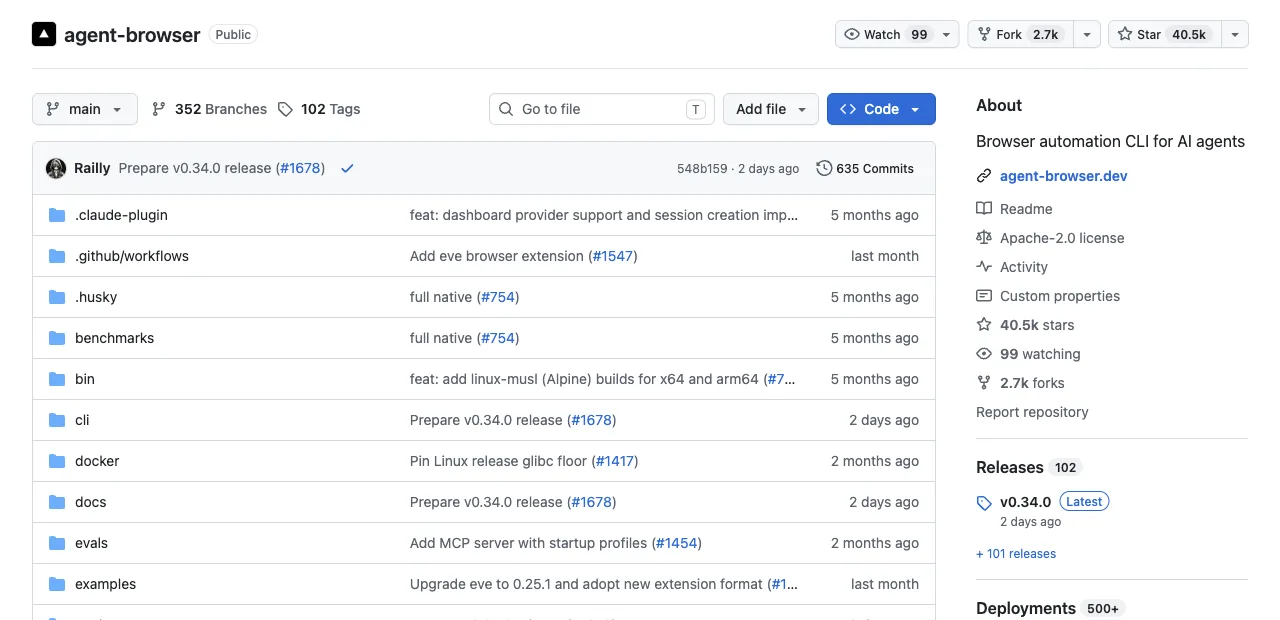
A native Rust CLI (with a Rust daemon speaking raw CDP) that downloads Chrome for Testing and exposes a snapshot-plus-refs loop: agent-browser snapshot returns an accessibility tree with refs like @e1, then agent-browser click @e2 acts on them.
Sessions are deliberately isolated, each with its own cookies and auth state; it also connects outward to CDP endpoints and cloud browser farms like Browserbase and Browserless. The design goal is fast, deterministic automation on browsers that exist for the task and vanish after.
Chrome DevTools MCP: agent attached to your Chrome.
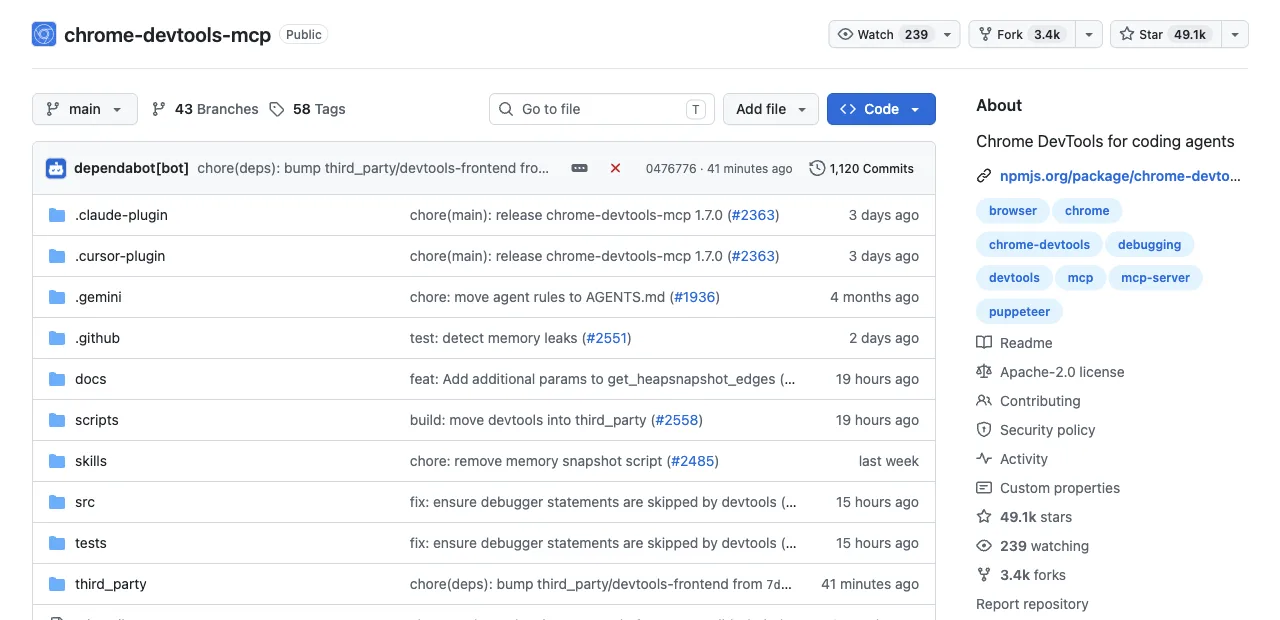
An MCP server wrapping the DevTools protocol's diagnostic surface: performance traces with Core Web Vitals, V8 heap snapshots, network inspection across navigations, device emulation. With auto-connect on Chrome 144+, it operates inside the browser you're signed into, after a permission dialog. The design goal is letting an agent see what you see, including everything behind your logins, in your window.
ego (lite): a browser built for sharing.
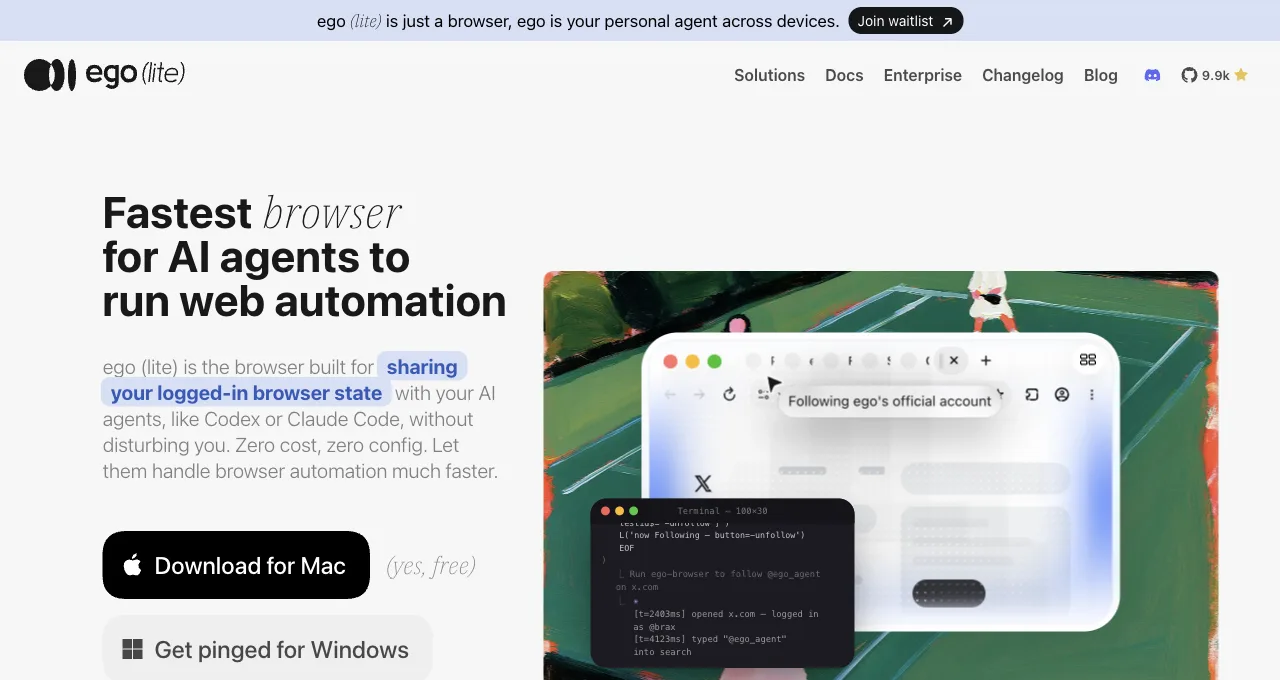
A free desktop browser built for sharing your logged-in browser state with AI agents, like Codex or Claude Code.
Under the hood, the ego-browser skill drives it over CDP, the same protocol agent-browser's daemon speaks, pointed at a browser built to be driven. The agent-facing surface is a CLI: a compatible shell-capable agent can write JavaScript that executes as whole workflows outside the model's context, in a Space using browser state you explicitly provision. Window separation and session scope depend on configuration.
Two bets, and the combination they point to.
You can hear the difference in what a task looks like. agent-browser: snapshot, click @e2, fill @e3, one command per action. DevTools MCP: "start a performance trace and tell me what's delaying LCP." ego (lite): a ten-line script piped in once, and the agent reads back only the result.
That difference, run for real: the session below was executed on 2026-08-15 against GitHub Trending, and the target is not a staged demo page. Pulling the week's top trending Python repo is literally one of the 31 benchmark tasks scored below (rwb-github-trending-py-01).
ego (lite), targeted extraction
ego-browser nodejs <<'EOF'
const task = await egoBrowser.newTaskSpace('article demo evidence 0820')
console.log({ taskSpaceId: task.id })
await task.page.goto('https://github.com/trending/python?since=weekly', { waitUntil: 'load', timeout: 30000 })
const repo = await task.page.locator('article.Box-row h2 a').first().innerText()
const stars = await task.page.locator('article.Box-row .float-sm-right').first().innerText().catch(() => null)
console.log(JSON.stringify({ url: task.page.url(), topRepo: repo.replace(/\s+/g, ' ').trim(), starsThisWeek: (stars || '').trim() }))
EOF

# output:
{ "taskSpaceId": 10 }
{"url":"https://github.com/trending/python?since=weekly","topRepo":"cactus-compute / needle","starsThisWeek":"3,772 stars this week"}
One JSON object, roughly 130 characters, returned from a single execution round. For the other side of the contrast: a take_snapshot we measured on Hacker News via Chrome DevTools MCP returned 38,285 characters of accessibility tree for one page, the per-action observation cost of the snapshot-based design. That gap in what flows back to the model is the shape of the difference this section is describing.
What about OpenAI Atlas, the fourth architecture?
OpenAI's ChatGPT Atlas was a fourth architecture that no longer exists. Announced on October 21, 2025, it was a Chromium-based browser available only on macOS, with ChatGPT built into a sidebar that could answer questions about the current page, summarize content, and rewrite selected text (Wikipedia). Paid Plus and Pro subscribers could enable an optional agent mode that let ChatGPT interact with websites to complete tasks on their behalf (Wikipedia).
Atlas was an integrated desktop browser, not a disposable CLI browser like agent-browser, an attached diagnostic surface like Chrome DevTools MCP, or a shared local browser like ego (lite). It managed its own browser state and ran in its own window, separate from the user's everyday browsing. In March 2026, OpenAI said it would combine Atlas, the ChatGPT desktop app, and Codex into one application, and on August 9, 2026, Atlas officially shut down (Wikipedia).
A reviewer from MIT Technology Review found the agent's performance poor, picking out items the user had already purchased or decided against, and the built-in ChatGPT sometimes referred to the wrong page (MIT Technology Review). The lesson for architecture choice: a single integrated browser that tries to do everything can disappear, while specialized tools for specific jobs may be more resilient.
How do they compare, dimension by dimension?
Five dimensions decide real usage. Every cell states the limit as well as the strength, because the limits are where decisions happen.
| Dimension | agent-browser | Chrome DevTools MCP | ego (lite) |
|---|---|---|---|
| Login state | Isolated sessions by design; your accounts aren't there unless you script them in | Full access via auto-connect, inside your own window | Explicitly provisioned browser state; expiry and permissions still apply |
| Window ownership | Its own browser; yours untouched | Shares the window you're using; turn-taking required | Its own Space when configured; concurrency and window boundaries still apply |
| Real-World Bench, 31 tasks | 62.9% perfect across 31 tasks; $2.66 avg cost, $4.23 per completed task | 61.3% perfect across 31 tasks, measured as chrome-devtools-cli, not the MCP server; $4.95 avg, $8.08 per completed task | 93.5% perfect across 31 tasks; $1.64 avg, $1.75 per completed task |
| Debugging | Console, network interception, Web Vitals; no full trace analysis | Deep diagnostic toolkit: traces, heap snapshots, emulation | No debugging panel; not this tool's job |
| Price and license | Free, Apache-2.0 | Free, open source | Free browser download; closed source |
How does Atlas's architecture compare on key dimensions?
Atlas is gone, but its architecture is worth scoring against the same dimensions that decide real usage. The table below states what is documented about Atlas, not what we measured.
| Dimension | agent-browser | Chrome DevTools MCP | ego (lite) | OpenAI Atlas (shut down) |
|---|---|---|---|---|
| Login state | Isolated sessions by design; your accounts aren't there unless you script them in | Full access via auto-connect, inside your own window | Explicitly provisioned browser state; expiry and permissions still apply | Managed its own state within the browser; no documented import of your existing profile |
| Window ownership | Its own browser; yours untouched | Shares the window you're using; turn-taking required | Its own Space when configured; concurrency and window boundaries still apply | Its own separate window; you had to switch between Atlas and your regular browser |
| Data privacy | Your data stays in its disposable browser | Your data stays in your own Chrome profile | Your data stays local in your own Chromium profile | Your browsing and agent tasks went through OpenAI's servers; privacy implications were a concern |
| Task reliability | 62.9% perfect across 31 tasks on Real-World Bench | 61.3% perfect across 31 tasks, measured as chrome-devtools-cli | 93.5% perfect across 31 tasks on Real-World Bench | A reviewer found the agent picked items the user had already purchased or decided against, and the assistant sometimes referred to the wrong page (MIT Technology Review) |
Atlas's agent mode was available only to Plus and Pro subscribers, so free users got the sidebar assistant but not the autonomous tasks (Wikipedia). Its shutdown on August 9, 2026, removed the option entirely (Wikipedia).
How do the three score on the same 31 tasks?
Real-World Bench runs the same 31-task suite against live production sites (X, Expedia, Redfin, Amazon, government data portals) plus deterministic local sites for stateful flows. All five tools use the same model, gpt-5.6-sol at max effort, and the same independent judge grading each task from raw session logs and screenshots. Each task carries up to 6 binary rubrics (154 across the 31-task suite); a task counts as perfect only when every rubric passes, with no partial credit.
One naming note before the numbers: the harness measured chrome-devtools-cli, the CLI route to the same DevTools protocol surface, not the DevTools MCP server this article discusses. Same diagnostic toolkit, different transport; read its row as the closest measured proxy, not the MCP server's own score.
Real-World Bench perfect-completion rate (31 tasks)
Perfect = every binary rubric passes; 31-task benchmark configuration, run 2026-08-19
The tasks are not toy fetches. Examples from the set: pull a week of engagement metrics from x.com/OpenAI behind a login, excluding pinned posts and replies; work out a monthly payment estimate for a used Camry on cars.com; play 2048 to the 256 tile without a reset. Rubric scoring on that mix is where the completion gap opens.
Completion rate sets the real bill, because average cost per task counts the failed attempts too. agent-browser averaged $2.76 per task; divide by its 74.2% completion and each completed task cost $3.72. chrome-devtools-cli averaged $4.95, which at 61.3% completion is $8.08 per completed task. ego (lite) averaged $1.92: $1.64 divided by 93.5% completion is $1.98 per completed task.
The turn counts explain the gap better than any engine detail. agent-browser needed 45.6 model turns per task and chrome-devtools-cli 44.9, against ego (lite)'s 30.3: one command per model round trip means many round trips, and every round trip is another chance to misread a snapshot or derail. On rubric average, which credits partial completion, ego (lite) scored 99.3%; chrome-devtools-cli's 82.6% edges agent-browser's 80.6% there, meaning it partially completed more of the tasks it failed. And with the fewest round trips, ego (lite) was also the fastest of the five tools measured, at 518 seconds per task on average against 587 to 648 for the rest.
Where does each one break?
Every tool's failure modes live where its design bet stops paying. In a January 2026 YouTube comparison, developer Cole Medin measured first-try task completion at 95% for agent-browser, 80% for Playwright MCP, and 75% for Chrome DevTools MCP. Note his lineup: two of this article's three tools plus Playwright MCP, not ego (lite). The gap traces to mechanism: agent-browser condenses the site into stable refs the agent clicks directly, while MCP-based tools rely on accessibility-tree searches that can fail when the element isn't found. Real-World Bench's 31-task set keeps the same relative ordering (agent-browser 62.9% perfect vs the DevTools CLI route's 61.3%) at much lower absolute rates, which is what multi-rubric, live-site tasks do to first-try numbers. Specifics from public issue trackers and docs:
agent-browser: the login wall. Sessions are isolated on purpose, and users who tried to carry auth state anyway hit real friction: the GitHub tracker has reports of --profile sessions losing the active page and falling back to about:blank, and cross-origin iframes documented as a blocker, which takes out embedded logins like Apple ID and Google SSO flows.
There's also the setup tax of downloading Chrome for Testing before first use. None of this matters for stateless scraping; all of it matters the day your task needs an account.
Chrome DevTools MCP: the shared window. Auto-connect needs Chrome 144+, remote debugging enabled, and a per-session permission dialog, and what you get is an agent operating in the browser you're trying to use. Chrome 136+ also blocks the debug flag on default profiles, so the older port-based route needs a dedicated profile. Excellent trade for debugging sessions; wrong shape for tasks that should run while you work.
ego (lite): the jobs it doesn't do. No performance traces, heap snapshots, or Lighthouse, so diagnosis stays with DevTools MCP. It's a desktop browser, so headless CI containers are out of scope, and assertion-heavy test suites belong to Playwright. And it's closed source, which matters to some teams as policy regardless of features.
Which should you pick for your task?
Three questions sort nearly every case. Answer them in order and stop at the first match.
Is the data public and the work stateless? agent-browser. Scraping docs sites, checking prices, batch screenshots: its native-Rust speed and disposable sessions are exactly right, and login state would be dead weight.
Is the task diagnosing a page? Chrome DevTools MCP. Slow LCP, memory creep, a bug that only reproduces in your logged-in session: nothing else in this trio holds those tools.
Is it daily work behind your logins that shouldn't interrupt you? ego (lite). Dashboard pulls, form filling, and list collection on sites where you have authorized accounts, using Spaces when configured to separate task work. That's the use case it targets, and the browser is available as a free download; model, host, and review costs remain.
Plenty of setups keep two of the three: agent-browser or ego (lite) for execution depending on whether logins matter, DevTools MCP enabled for the day something needs a trace. The rise and fall of OpenAI Atlas shows the risk of betting on a single, integrated browser for all agentic tasks. Its shutdown on August 9, 2026, suggests that specialized tools for specific jobs, like a local browser for logged-in work, may be more resilient than a one-size-fits-all AI browser (Wikipedia).
See the full ego (lite) vs agent-browser comparison, or download ego (lite) for Mac and run one logged-in task next to your current setup.
How do you keep browser agents reliable over long runs?
Long-running reliability comes from controlling state, not from asking a model to remember more. Give each task a fresh or named session, define explicit ready and done states, bound actions and retries, checkpoint accepted results, and revalidate after every navigation. Stale tabs, expired sessions, changed layouts, and context pollution are separate failure modes that need separate signals; no browser tool removes them automatically.
- Isolate state. Use a named Space or profile per workflow, clear stale tabs, and never let parallel agents share cookies or a live window unless the task explicitly requires supervised sharing.
- Make progress durable. Persist a task ID, source URL, cursor, timestamp, and accepted records after each batch. A browser restart should resume from a checkpoint, not repeat every side effect.
- Measure the final result. Grade validated rows, submitted states, and evidence—not the agent's claim that it finished. Track recovery time and manual intervention alongside completion rate.
A model that works in a demo can drift in production because account state, data volume, timing, and rate limits changed. Re-run a representative smoke set after changing the model, browser version, prompt, concurrency, or network.
Should an agent use direct tool calls or screenshots?
Use direct DOM or accessibility-tool calls when the page exposes semantic controls and structured fields; use screenshots when visual layout, canvas, charts, or a missing accessibility tree is the thing being judged. The best production agent can switch modes, but it should not pay for a full screenshot on every click or trust a DOM snapshot that omits the rendered state.
| Interface | Strength | Failure to watch |
|---|---|---|
| DOM / accessibility tree | Compact, semantic, easy to assert | Missing virtualized or canvas content |
| Screenshot / vision | Visual state, layout, and pixels | Higher tokens; coordinate and OCR mistakes |
| Page API / network response | Fast structured data when authorized | Hidden state or policy boundary |
Direct tool calling is not automatically safer or more truthful: a selector can point to the wrong duplicate button, while a screenshot can show a confirmation banner the DOM query missed. Return a small extracted value plus the URL and timestamp, then use a screenshot or trace only when diagnosis needs it.
How should agents handle anti-bot checks and login walls?
Treat Cloudflare, Akamai, DataDome, CAPTCHA, 401, 403, and login walls as access boundaries. Use an official API, licensed feed, signed-out public route, or a human-approved login when available. A real browser session can let an authorized user access their own account, but no tool can promise that a site will not rate-limit or restrict automation.
- Stop and classify. Record the status, challenge type, account, and URL. Do not retry a challenge as if it were a transient timeout.
- Use the approved session. For your own logged-in work, prefer a supported browser profile or Space and complete MFA yourself. Never export cookies, replay tokens, spoof fingerprints, or rotate identities.
- Hand off visibly. Let a human solve a permitted challenge or take over the browser, then resume from a checkpoint. Keep the challenge and account status in the audit record.
How do you observe and debug browser agents in production?
Capture enough evidence to explain the decision without storing an entire private session forever: task and trace IDs, tool calls, locator or coordinate, URL, response status, console errors, network failures, screenshot or DOM excerpt, model, duration, and final validation. Redact secrets and set retention limits before shipping logs.
- Browser evidence. Record the page URL, visible state, console exception, failed request, and last successful action. DevTools MCP is useful when the problem is network, performance, or runtime diagnosis.
- Agent evidence. Log the model's proposed action, tool schema, parameters, approval, and returned result. This makes a wrong tool or wrong field explainable without blaming the page.
- Operational evidence. Track queue depth, retries, rate limits, browser crashes, session expiry, and cost. Alert on missing heartbeats and unchanged state, not only process exit.
Live view and human takeover are useful recovery controls, but they must be access-controlled. A publicly reachable VNC or CDP endpoint is not an observability feature; it is a credential and browser-control exposure.
How do you manage persistent sessions and login state safely?
Choose persistence deliberately. agent-browser's default session is disposable; Chrome DevTools MCP can attach to a live profile after approval; ego (lite) uses isolated Spaces that inherit authorized browser state. In every case, the profile is a credential boundary: name it, limit its domains, and never give an agent an inbox or OTP channel unless the workflow and account owner explicitly authorize it.
- Prefer supported sign-in. Complete OAuth, MFA, and device checks in the browser. Do not inject cookies, copy auth.json, or export refresh tokens to make a headless session look persistent.
- Isolate identities. Use a dedicated Space or profile for each account and task class. Keep personal mail, payments, admin panels, and test identities separate.
- Expire and revoke. Review session age, account alerts, extension permissions, and machine access. Revoke the profile or credential when the job ends or the host changes hands.
When should you use an agent, workflow script, or automation tool?
Use a deterministic script for stable selectors, repeatable transforms, and assertions; use Zapier, Make, or n8n for triggers, queues, approvals, and API connectors; use an agent for ambiguous pages, changing layouts, and recovery that benefits from judgment. A browser agent should be the narrow adaptive step inside a workflow, not an unrestricted replacement for every node.
| Need | Recommended first | Why |
|---|---|---|
| Stable regression in CI | Playwright or Selenium | Deterministic assertions and repeatable reports |
| Scheduled API and approvals | n8n, Make, or Zapier | Visible routing, retries, and connector ownership |
| Changing authenticated UI | Agent browser in a scoped session | Adaptive actions with human handoff |
If an agent requires constant babysitting, add checkpoints, alerts, and a queue or replace the stable part with code. “Autonomous” should describe a bounded service with recovery and review, not a process no operator can stop.
How do you target stable DOM elements after layout changes?
Target the user's meaning before the page's coordinates: accessible role, label, visible text, test ID, or a stable data attribute. Scope the locator to the relevant card or form, assert uniqueness, and wait for the state you need. Avoid long CSS/XPath chains tied to generated classes, nth-child positions, or a screenshot coordinate that changes with viewport and localization.
- Prefer semantic locators. Role, label, and test ID locators make intent visible and survive many visual redesigns. Use a DOM snapshot to inspect the actual accessible name before writing the action.
- Wait for a named state. Wait for hydration, a network result, a visible row, or an enabled button. “Page loaded” is not the same as “data is ready.”
- Handle ambiguity explicitly. If two buttons share a label, narrow the container or stop for review. Do not let the agent guess which duplicate control changes account data.
Which runtime is best: local, cloud, or headless?
Choose the runtime by session, scale, and review needs. A local real browser is best for authorized accounts and human takeover; a cloud browser is best for public, bursty workloads when the provider's policy and region fit; a headless worker is best for deterministic CI with no personal profile. Persistent sessions and high concurrency pull in opposite operational directions, so document the trade-off rather than calling one runtime universally best.
| Runtime | Good fit | Watch |
|---|---|---|
| Local real browser | Signed-in work and visible takeover | Machine uptime, profile security, limited scale |
| Cloud browser | Public jobs, burst capacity, regional execution | Provider policy, metering, data residency, login limits |
| Headless CI | Repeatable tests and isolated builds | No personal sessions, visual gaps, challenge pages |
Deploy with least privilege, encrypted traces, bounded concurrency, health checks, and a human recovery path. Never expose a browser debugging endpoint or remote desktop without strong access control, and never treat a cloud provider's “stealth” label as permission to access protected content.
FAQ
Is agent-browser the same as Browser Use?
No. agent-browser is Vercel Labs' CLI tool: your agent decides each step and the CLI executes it. Browser Use is an autonomous framework running its own LLM loop. Different layer of the stack entirely.
Can agent-browser use my logged-in Chrome?
It can attach to CDP endpoints (agent-browser --cdp 9222), which reaches a Chrome you've opened with a debug port, with the same caveats that route always has: Chrome 136+ profile restrictions, port security, and the agent acting in that browser's real tabs. Its own sessions stay isolated by design.
Why is ego (lite) faster than agent-browser on complex tasks?
Execution model, not engine speed. agent-browser runs one command per model round trip; ego (lite)'s agents write the whole workflow as one JavaScript program that runs to completion in the browser runtime, so a 20-step task is one round trip instead of 20. On Real-World Bench that shows up as 30.3 model turns per task for ego (lite) against agent-browser's 45.6. The separate heredoc-vs-REPL measurement quantifies the same mechanism in isolation: 44% fewer execution rounds, 35.5% fewer tool calls, and 21.6% lower cost versus command-at-a-time execution.
How were the Real-World Bench numbers measured?
31-task suite against live production sites, five tools, same model (gpt-5.6-sol at max effort). Execution and judging are separate stages: an independent judge agent with read-only tools grades each run from the raw session logs, real tool results, and screenshots, and a negative verdict never triggers a re-run. Each task carries up to 6 binary rubrics (154 across the 31-task suite); perfect means every rubric passed. Results for the three tools here: ego (lite) 93.5% of 31 tasks perfect, agent-browser 62.9% across 31 tasks, and chrome-devtools-cli, measured in place of the DevTools MCP server, 61.3% across 31 tasks. The harness, tasks, and raw verdicts are public in the citrolabs/ego-browser-benchmark-framework repo.
Do all three work with Claude Code, Cursor, and Codex?
They can work together by different mechanisms: agent-browser installs as a CLI a compatible shell-capable agent can run (plus an optional MCP mode), DevTools MCP registers through each client's MCP config, and ego (lite) installs the /ego-browser skill into supported agents during onboarding. Check each project's current compatibility before deploying.
Are all three actually free?
The software may be free to install: agent-browser is Apache-2.0, Chrome DevTools MCP is open source, and ego (lite) is available as a free download but closed source. Hosting, browser providers, model usage, storage, maintenance, and human review can still add running cost.
What was OpenAI Atlas?
OpenAI Atlas was a Chromium-based browser for macOS, announced on October 21, 2025, with ChatGPT built into a sidebar that could answer questions about the current page, summarize content, and rewrite selected text (Wikipedia). Paid Plus and Pro subscribers could enable an optional agent mode that let ChatGPT interact with websites to complete tasks on their behalf (Wikipedia).
Is OpenAI Atlas still available?
No. OpenAI shut down ChatGPT Atlas on August 9, 2026, after announcing in March 2026 that it would combine Atlas, the ChatGPT desktop app, and Codex into one application (Wikipedia). The browser is no longer available for download or use.
How did Atlas compare to ego (lite)?
Atlas was an integrated desktop browser that managed its own state and ran in its own window, while ego (lite) is a full Chromium that does not lock you into a single assistant or a single desktop app. Atlas's agent mode was available only to paid subscribers and its reliability was questioned in a review, whereas ego (lite) is free and designed for authorized, logged-in work (Wikipedia, MIT Technology Review).
What should I use instead of OpenAI Atlas?
For daily work behind your logins, ego (lite) provides a local, shared browser with isolated Spaces, available as a free download for macOS. For stateless public-data tasks, agent-browser offers a disposable CLI browser, and for diagnosing live pages, Chrome DevTools MCP attaches to your own Chrome after permission. Each tool targets a specific job rather than trying to be a single integrated browser.